
Phone distraction at work isn't really about the minutes you spend scrolling. It's about the re-entry cost. Every time you glance at your phone, you don't just lose the thirty seconds on the screen; you lose the several minutes it takes to climb back into what you were doing. Do that a few dozen times a day and a focused morning quietly becomes a scattered one, even if your screen time looks reasonable.
The good news is that this is one of the more fixable distractions, because work has structure you can plan around. Here's what the research says and a setup that actually holds through a deep-work block.
The evidence: less phone, better work
This isn't just productivity folklore. In 2024, researchers at Ruhr-Universität Bochum ran a workplace experiment: they had employees cut private smartphone use by one hour a day for a week, some also adding daily exercise. The groups that reduced their phone use reported significantly better work satisfaction, motivation, work-life balance, and mental health, and a lower sense of work overload. The study ran in Acta Psychologica, and the lead researcher framed it as a cheap alternative to formal wellness programs.
One hour less of private phone use. Better work, less overload. That's the whole case, and it points at a specific move: protect the work blocks, not the whole day.
Why "just focus" doesn't work
The standard advice is to leave the phone face-down and rely on grit. The problem is that a face-down phone still buzzes, still sits in reach, and still offers an exit the moment the work gets hard, which is exactly when the reflex fires. You're not fighting boredom once; you're fighting it every time a task turns tedious, all day, and that resistance runs out well before the day does.
So don't rely on resisting. Change what's reachable during the hours that matter.
The setup that holds
Three layers, from free to firmest.
Silence everything non-human. Turn off notifications for apps; keep them for people. Most work distraction is a notification you didn't need answering a question no one asked.
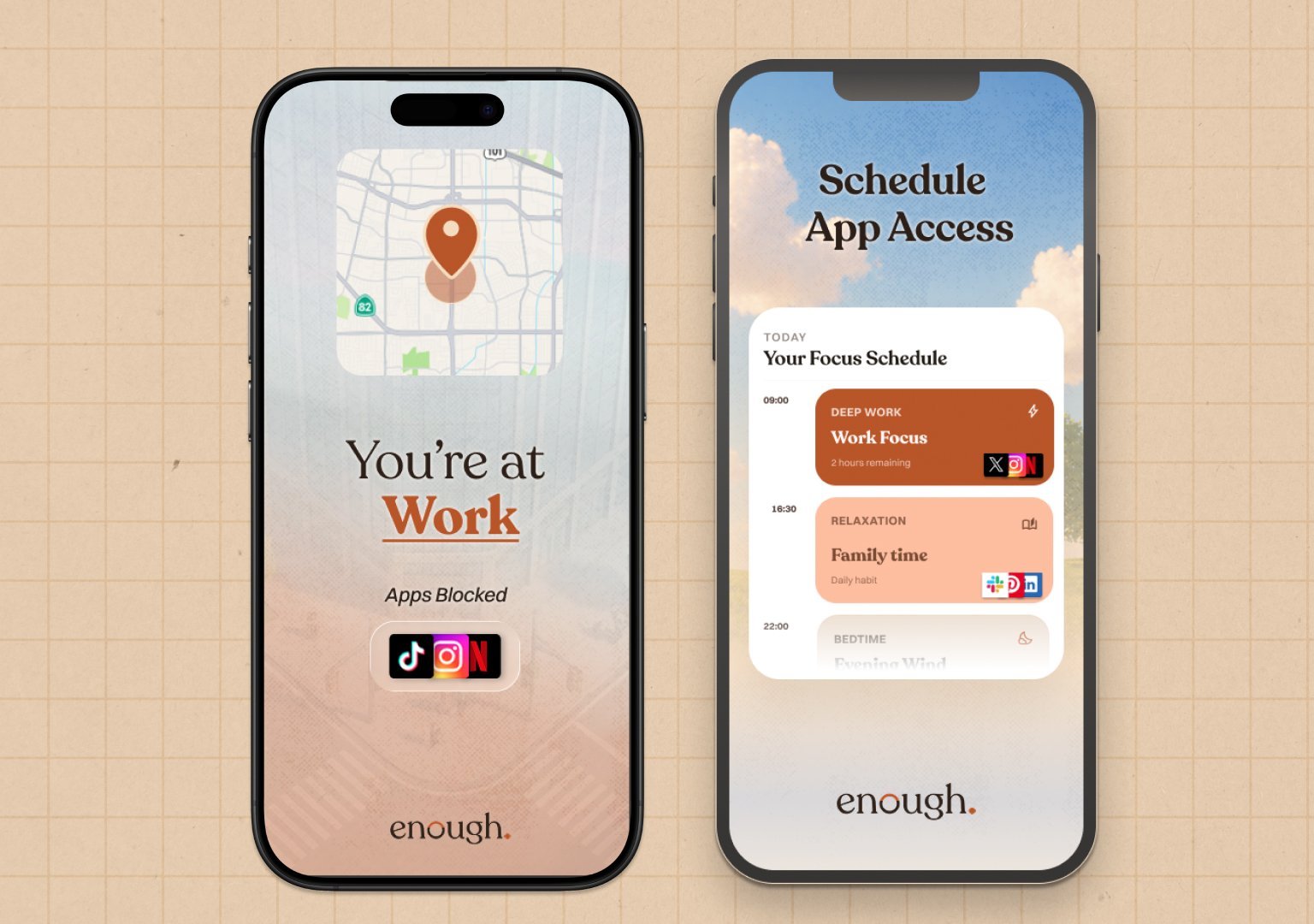
Use a focus schedule. Apple's Screen Time can run a Downtime window over your core hours with your work tools allowed. It's free. The weakness is the ignore button, which is easy to press at hour three of a hard task. enough. is also free but solves this problem by adding a bit more friction.
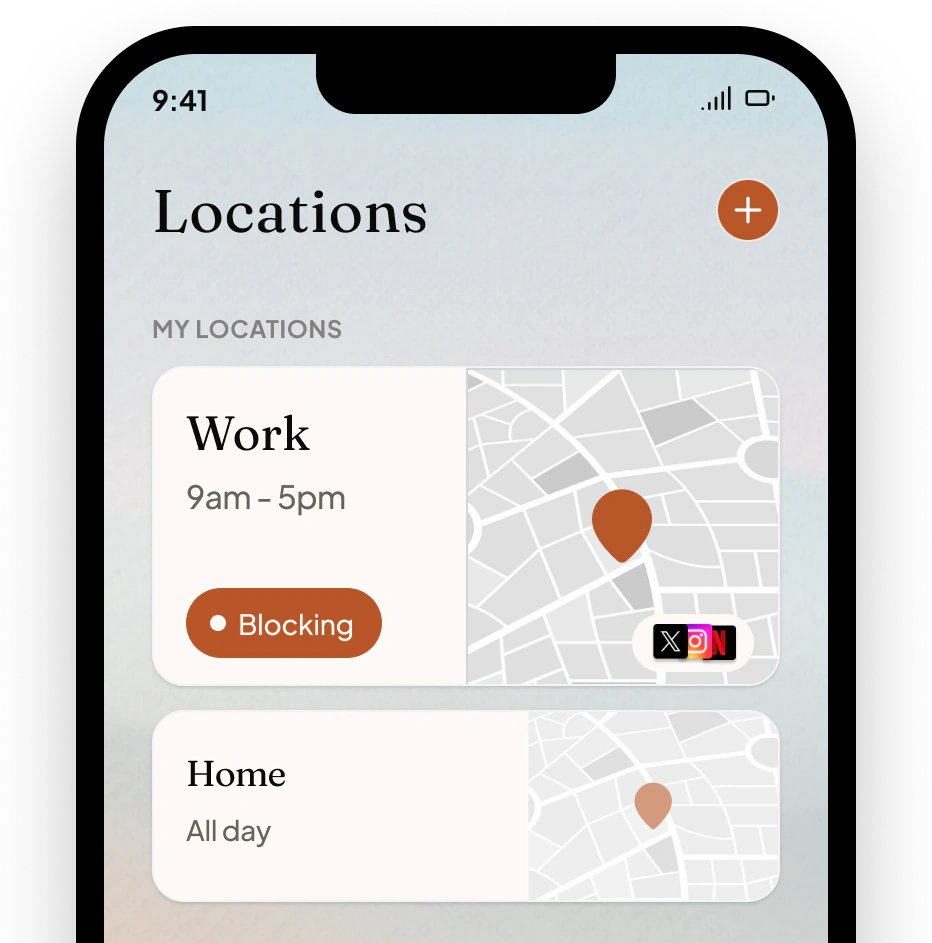
Make the distracting apps actually unavailable. This is the layer that holds, and where our app fits: enough. lets you set a Work Focus schedule, or block by location so the feeds vanish the moment you arrive at the office, and getting back in takes a deliberate press-and-hold rather than a free tap.
You decide it once, on a calm morning, and the 3pm version of you doesn't get a vote. It's iPhone only and $49.99 a year, with a free plan that covers one schedule or one place, which is enough for the workday.
Start with one block
Don't lock down your whole workday. Pick your single most important focus block, the morning, or the two hours you do your hardest thinking, and make the phone boring in just that window. Protect one block well and the re-entry cost disappears from the part of the day that matters most. The rest of your work tends to follow, because you finally finished something before lunch.