Location Blocking
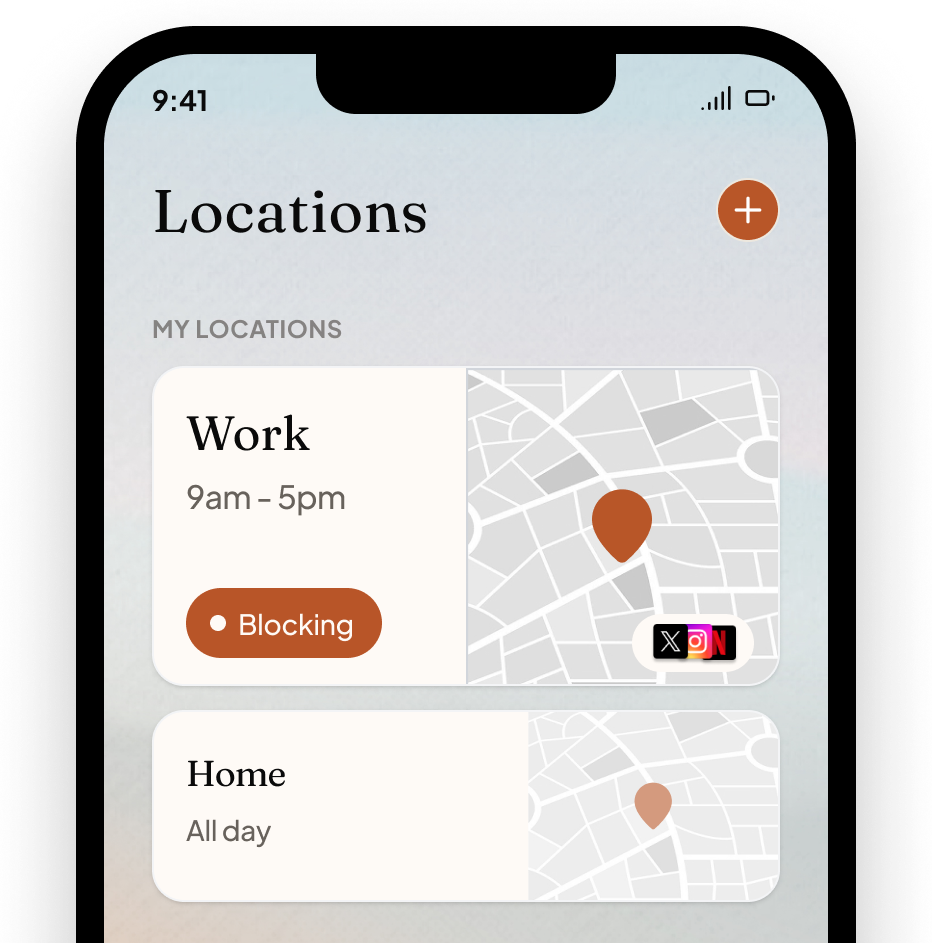
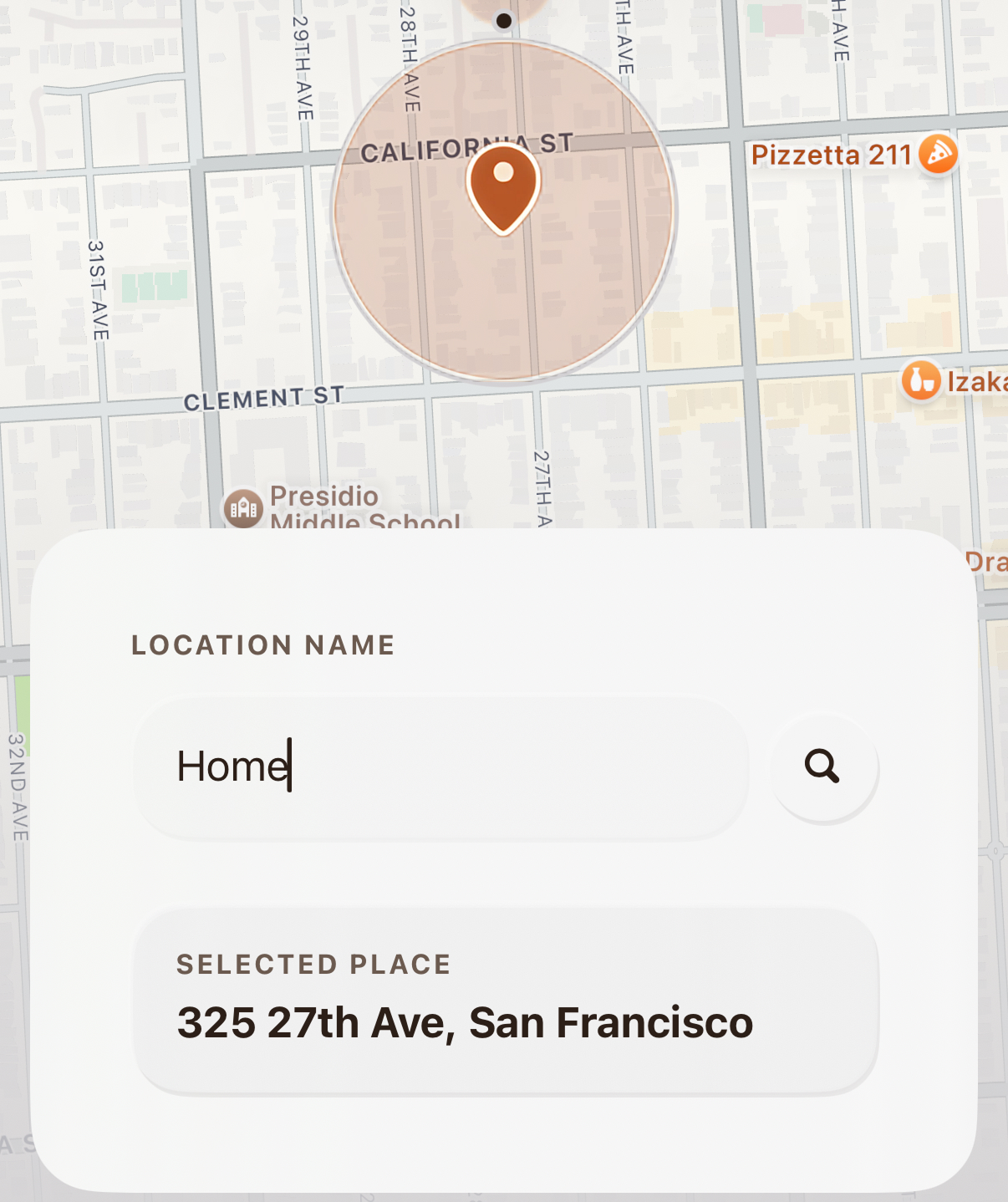
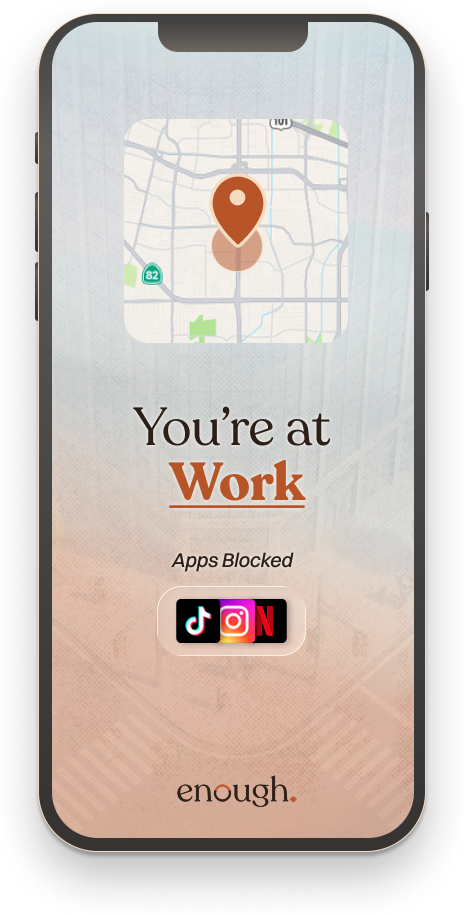
Pick the places that matter: work, home, the gym, church. The apps you choose block when you arrive and come back when you leave.
Features
You decide which apps belong where. enough follows the rules, by place, by time, by whether you're driving, so you never negotiate with your phone in the moment.

HOW IT WORKS
YOUR DAY, WITHOUT DISTRACTION
Pick the places that matter: work, home, the gym, church. The apps you choose block when you arrive and come back when you leave.
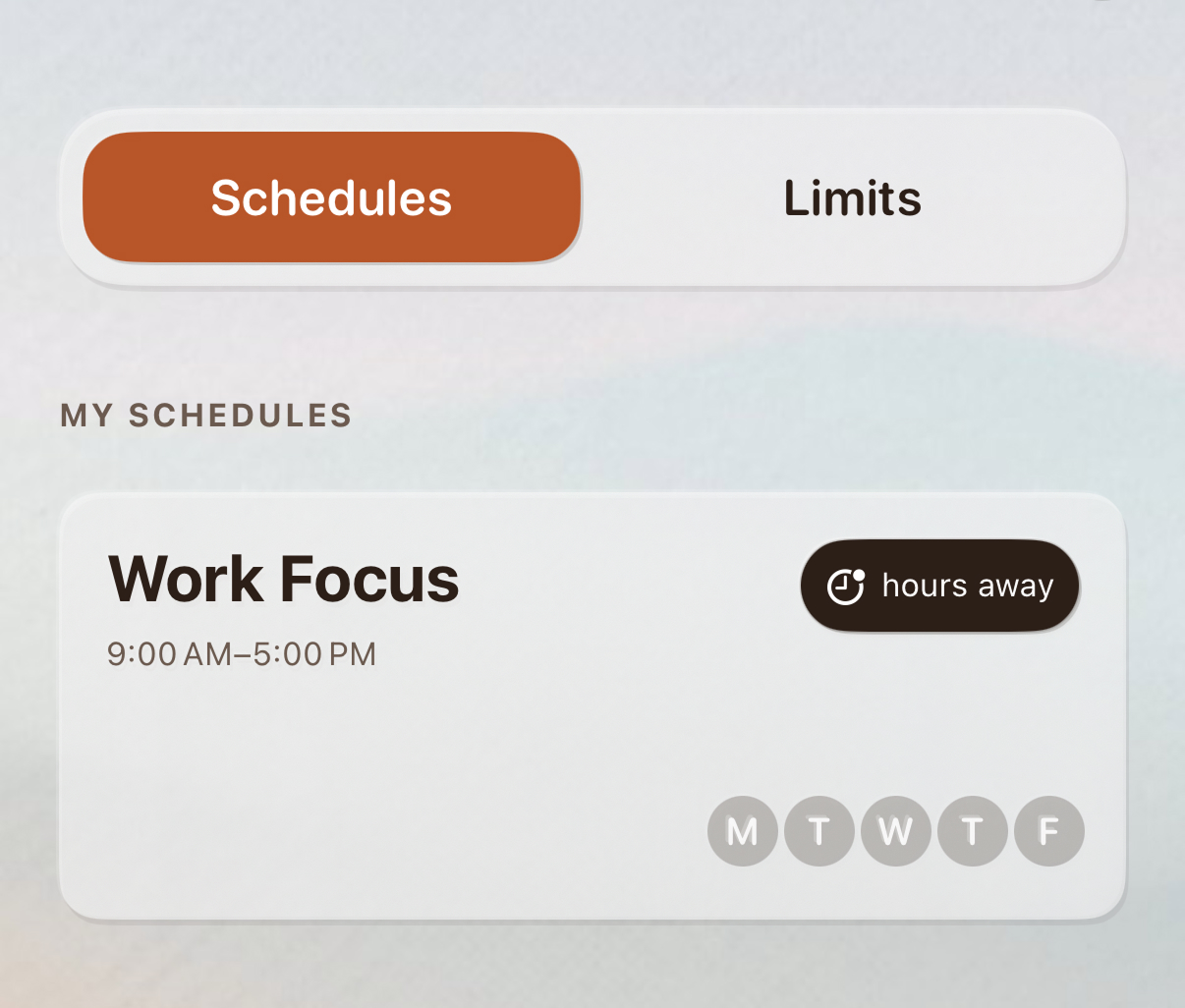
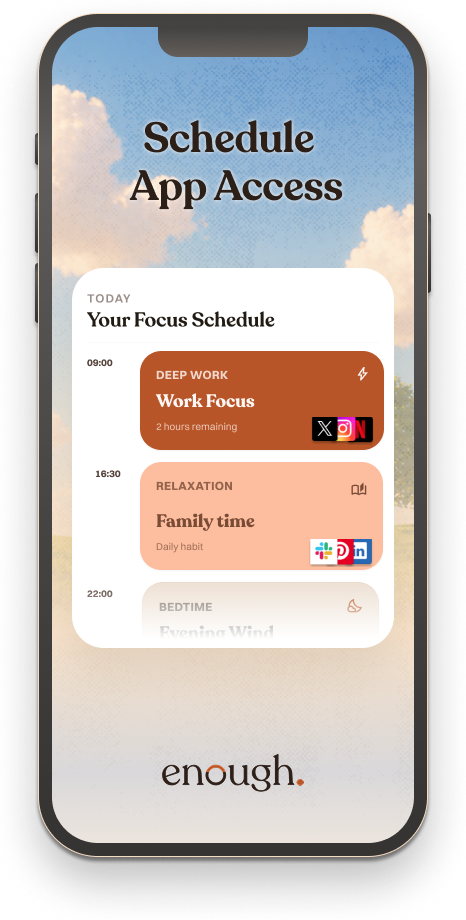
Pick the hours you want your phone calm. Mornings, work hours, bedtime. Set it once and it runs every week.
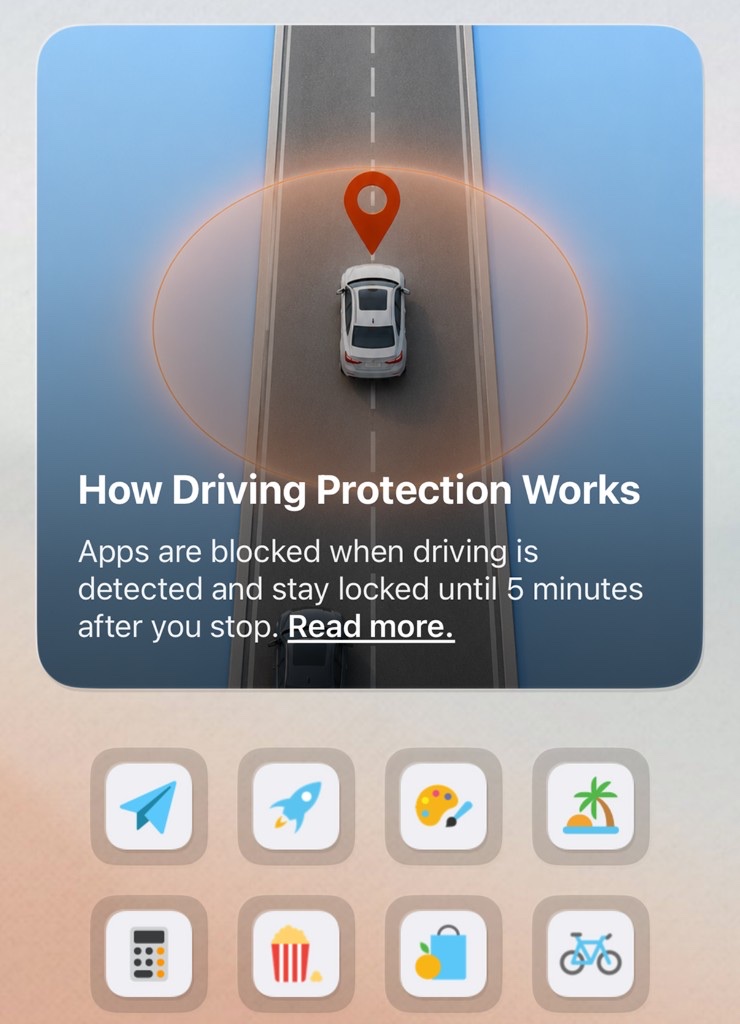
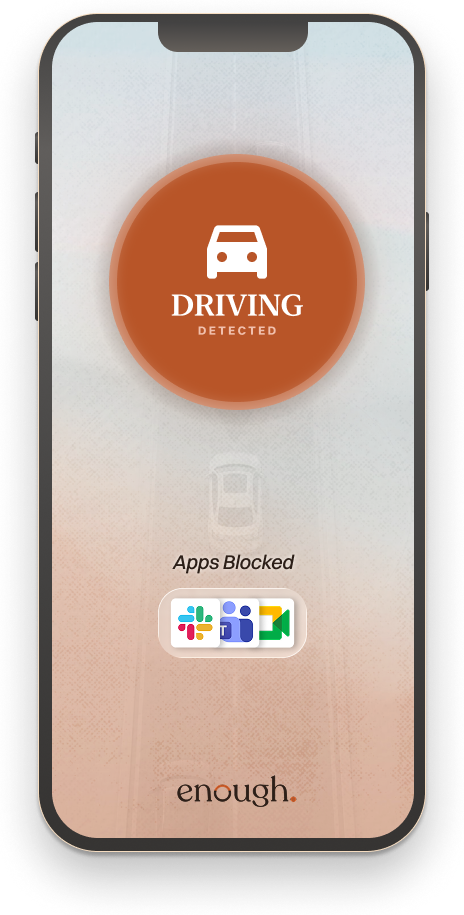
Apps block automatically the second you start driving. No setup, no taps. If you're a passenger, one tap turns it off.
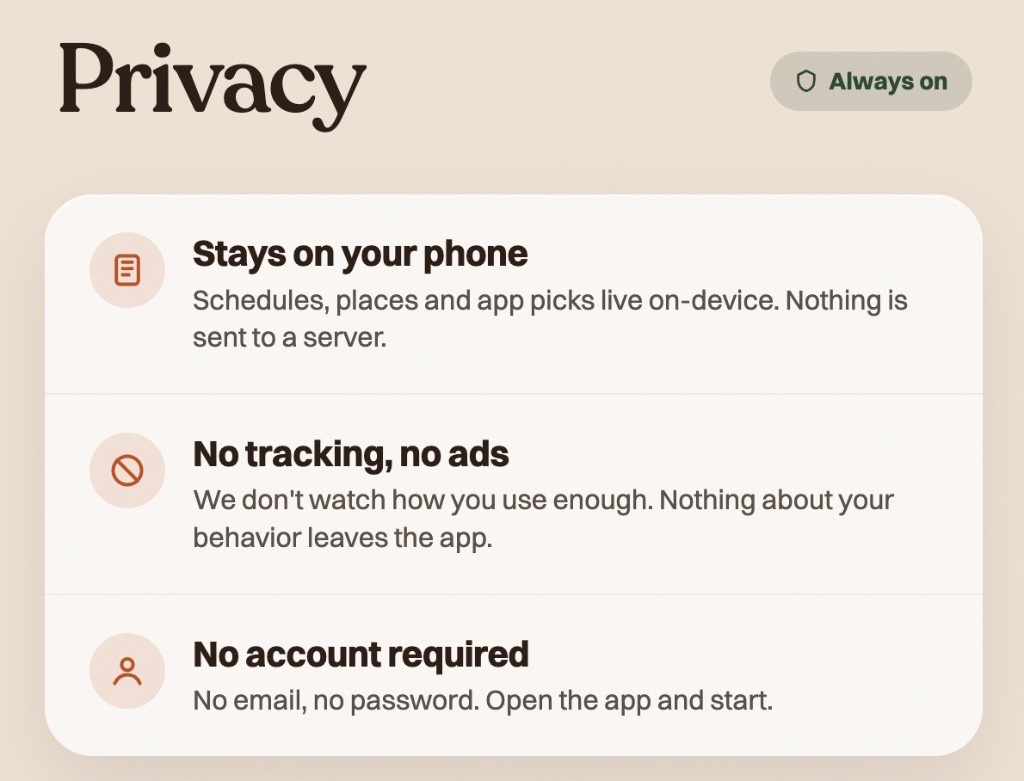
enough uses on-device geofencing. Your places, your routines, and your usage stay on your phone. Nothing reaches our servers, nothing is sold, nothing is shared.
YOUR RULES
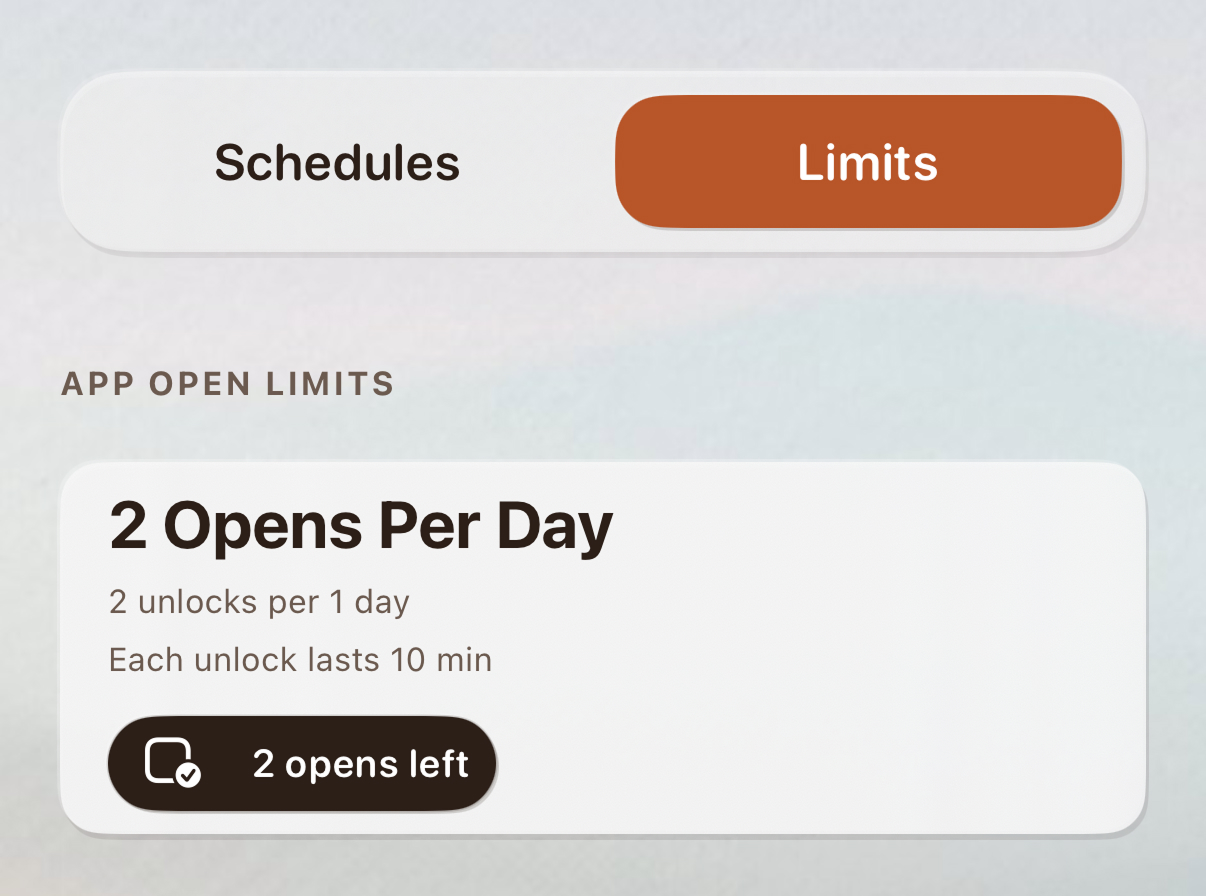
Set a daily cap on time spent or number of opens. Hit the limit and the app is done for the day.
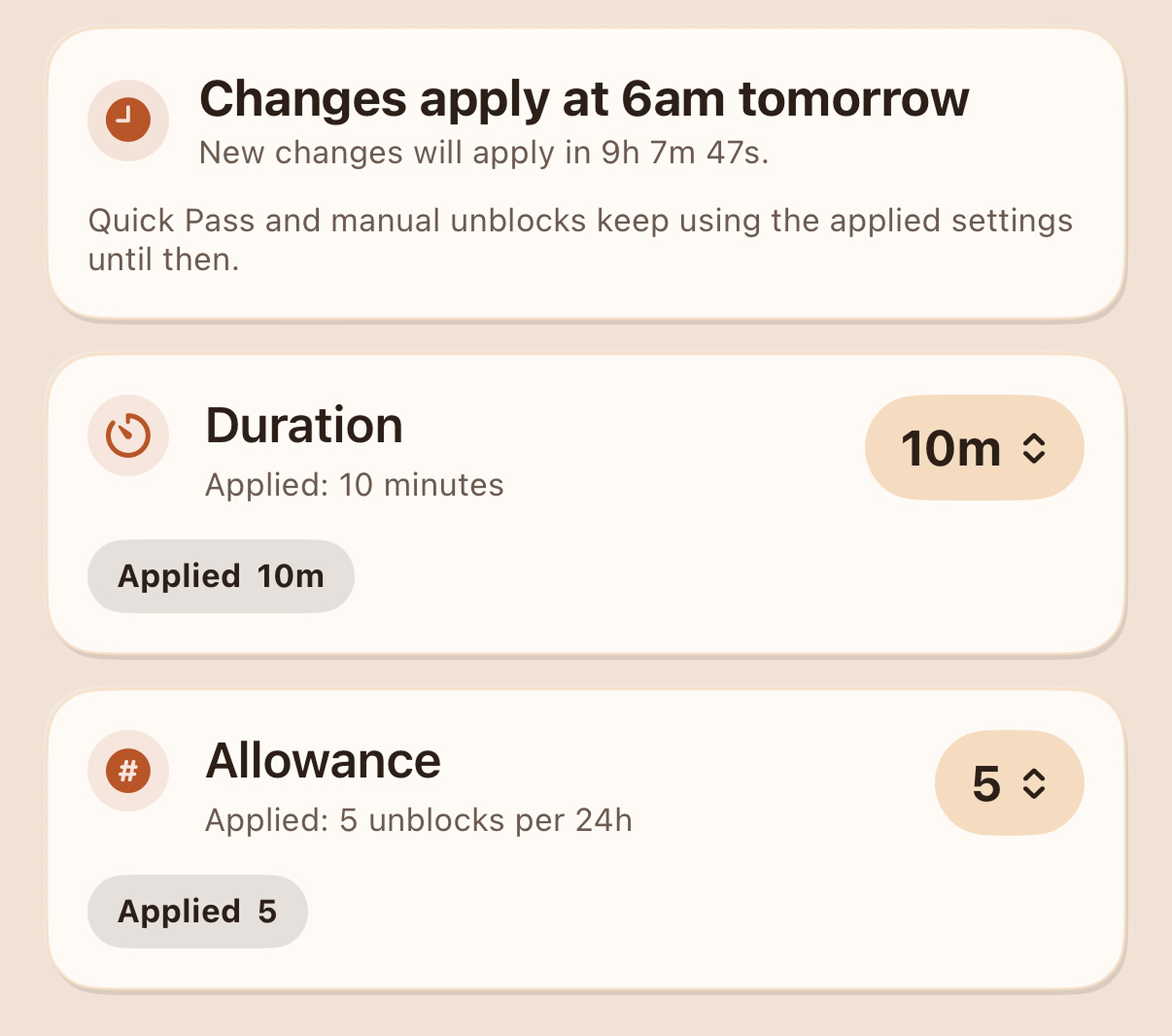
Choose how hard it is to get past a block. A quick pause, a wait timer, or fully locked until the block ends.
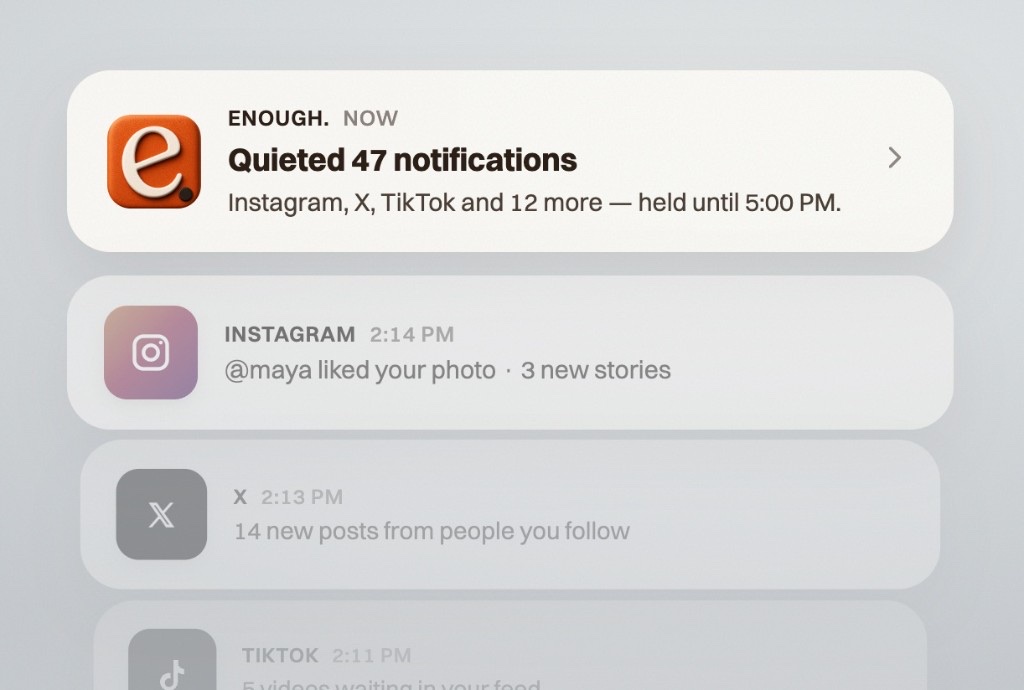
When an app is blocked, its notifications are silenced too. No buzzes, no banners, no preview of what you're missing. The moment the block ends, your notifications come right back.
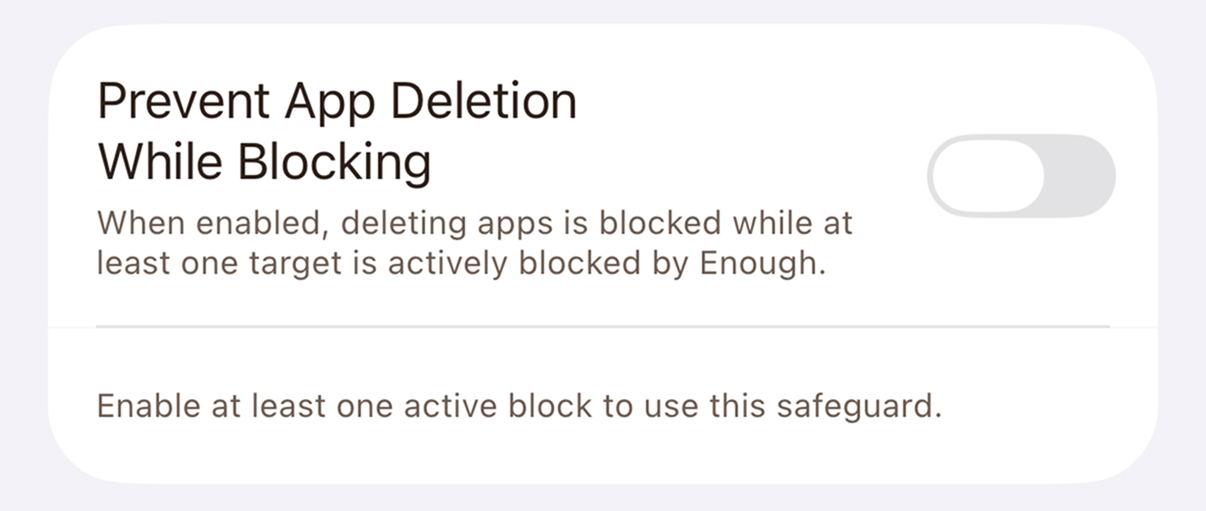
The ultimate commitment. Lock the ability to delete enough while a focus schedule or location block is active. Built for the people who already know future-you will try to wiggle out.
ON-DEMAND
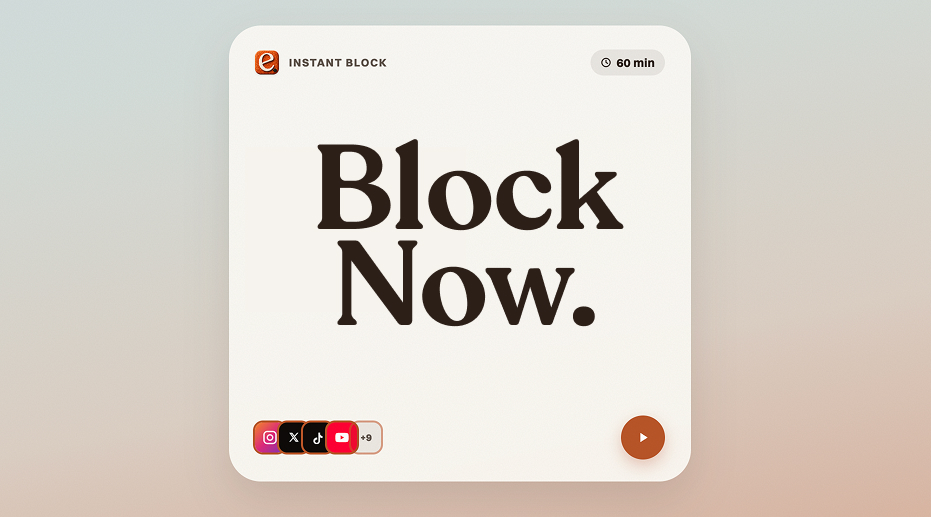
Start a focus block straight from your Home Screen. One tap on the widget kicks off the session you set up, no app to open, no menus to dig through.
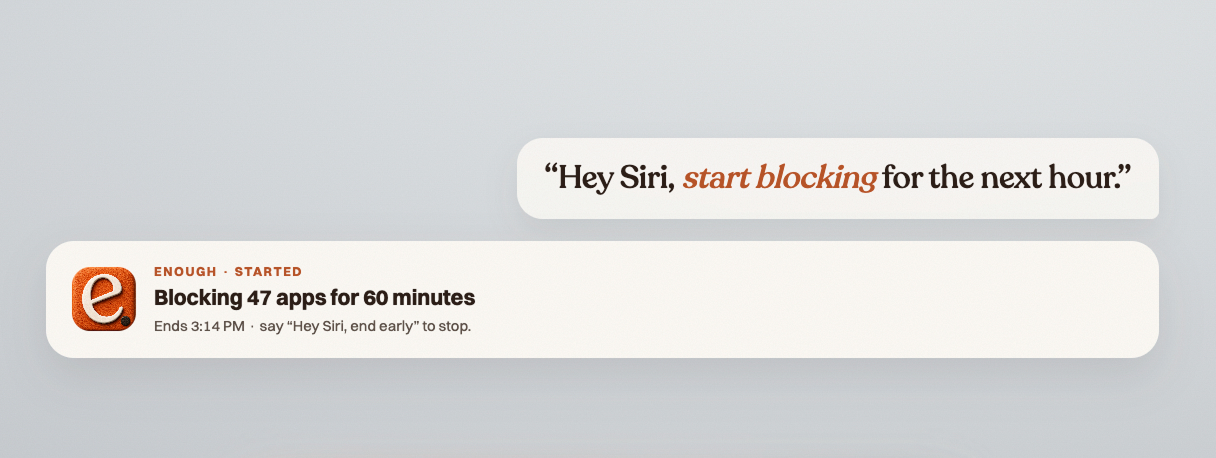
Just say the word. Ask Siri to start a focus block, end the day's distractions, or add an app to the list. Hands stay on the wheel, eyes stay on the road.
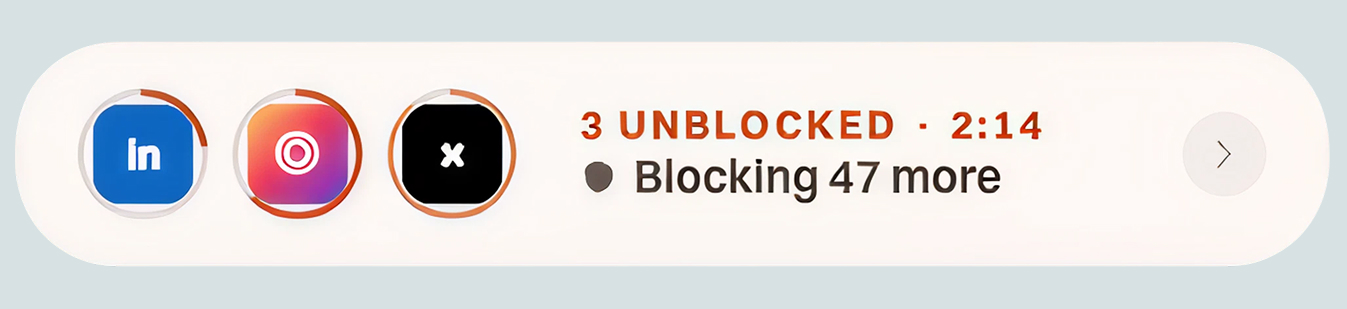
Need a minute? Unlock a blocked app for a few minutes when life actually requires it. It locks itself back up when the break ends. No streaks to break, no shame.
Free vs Complete
Most popular: Complete at $4.17/mo billed yearly. 5 months free vs monthly.
| Feature | Free | Complete |
|---|---|---|
| Locations | 1 | Unlimited |
| Schedules | 1 | Unlimited |
| App limits | 1 | Unlimited |
| Hard block mode + weekly focus report | Not included | Included |
7 days free. No card surprises, we remind you before day 7. Cancel in two taps.
Loved by early users
“I tried four blockers before this. Within a week my Instagram time dropped 73%. The driving lock alone is worth it.”
“Other apps treat you like a kid. enough just makes the right thing easy. I forget it's running, which is the whole point.”
“The location radius around my office changed my mornings. No willpower required.”
Before you install
No. enough uses Apple's native geofencing and motion APIs, the same low-power systems Maps and Find My use. In testing, daily battery cost is under 1%.
Nowhere. Geofences run on your device. Your places, routines, and usage never reach our servers. We can't see them, we don't store them, we don't sell them.
Use Breaks. Unlock the app for a few minutes when life requires it. The block reapplies itself when the break ends. No shame, no broken streak.
enough uses Apple's Screen Time and Family Controls frameworks, the same APIs Apple uses for parental controls. That's why blocks are real blocks, not just app icons hidden on another screen.
Your subscription works on every iPhone and iPad signed in to the same Apple ID. Family Sharing is on the roadmap so a parent can configure blocks for a child's device.
Download enough. and take control of your attention with places, schedules, and driving protection.