Flexible or full block
Let attendees block their own selection of apps and websites, or set a full block of everything except calls, messages, and navigation.
Together
Block distracting apps as a group. At dinner, at work, on the road, or anywhere you want to be present with the people around you.

What is Together?
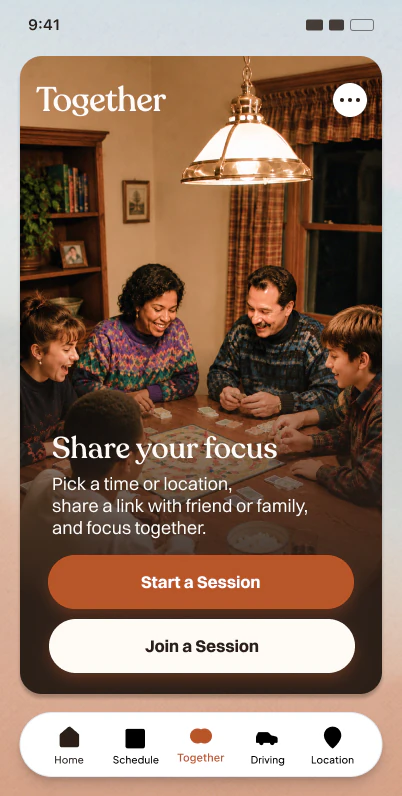
Together turns the enough. app blocker into a shared experience. One person hosts a session, invites everyone else with a link or QR code, and every participant locks out distracting apps at the same time.
How it works
Host a session
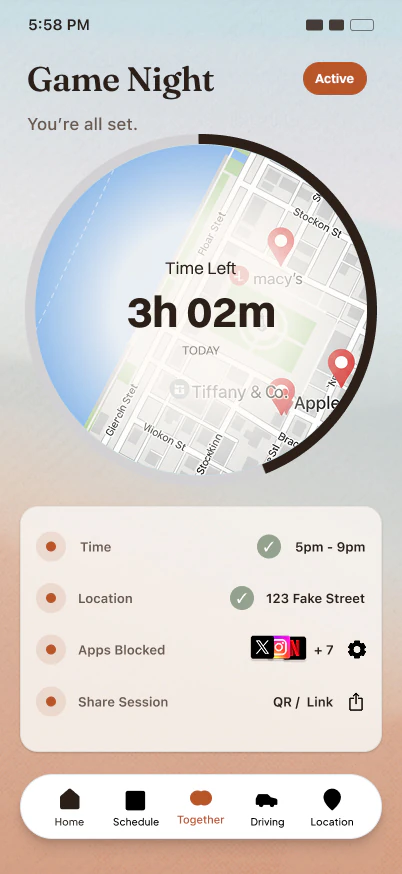
Open the Together tab, tap Start Session, and choose how it runs.
Share the invite
Every session creates a QR code and a shareable link. Let people scan your screen, or send the link through iMessage, WhatsApp, email, anywhere.
Everyone starts
Attendees open the link, pick the apps they want blocked and press Start. The block is live.
Hosts & attendees
Choose how strict the session is, where it happens, and how you want to confirm everyone is in.
Let attendees block their own selection of apps and websites, or set a full block of everything except calls, messages, and navigation.
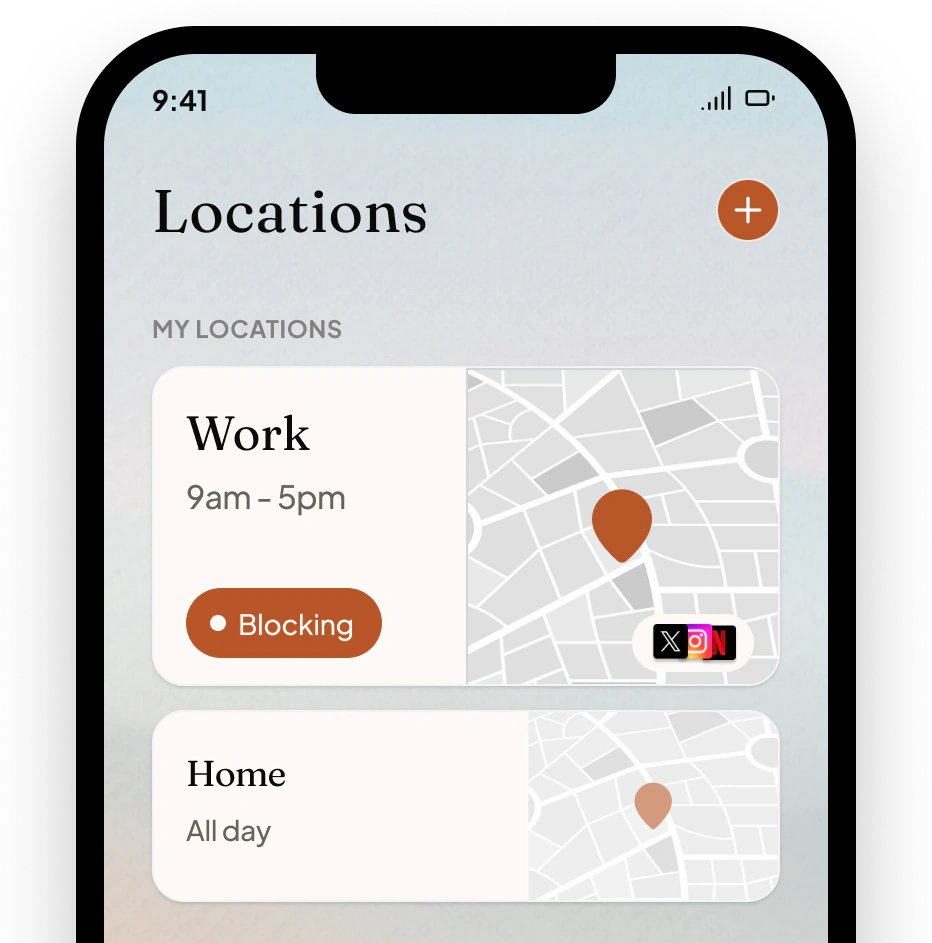
Tie a session to a place. The block starts when people arrive and ends when they leave. Works for restaurants, offices, classrooms, or anywhere you gather.
Want accountability? Turn on a confirmation code. Attendees only see it after they start their block, so you can ask for it as a light proof of participation.
Decide whether attendees can briefly unblock an app during the session using their daily allowance, or keep the block firm until the session ends.
You are always in control of your own phone. Nothing changes without your say.
Tap the link or scan the code. If you already have enough., you land straight in the session. If not, an App Clip previews the details and helps you install the app.
The first time you join, enough. asks for Screen Time permission, plus location access if the session has a place. You only do this once.
If the host left blocking up to you, choose exactly which apps, categories, or websites to block. Nothing on your device changes without your selection.
You can leave a session early, and your block clears the moment you do. If the host turned breaks off, you will see a note explaining that.
Session types

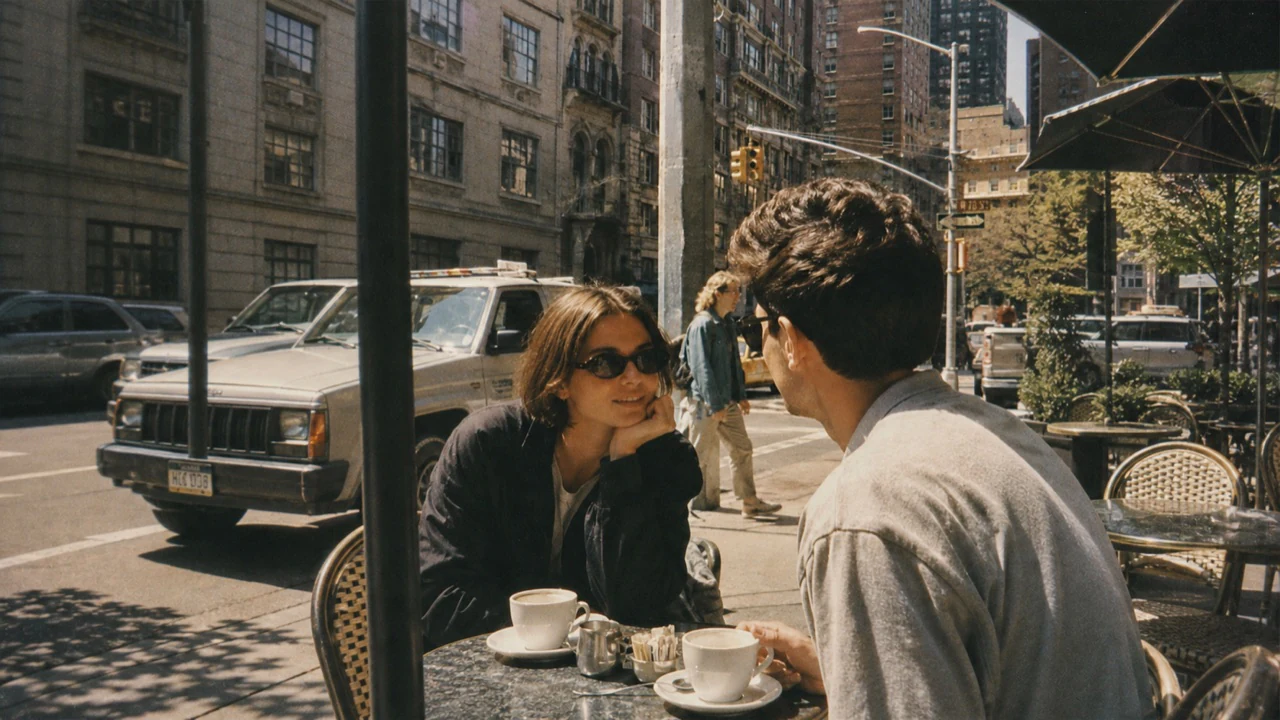
Dinners, work blocks, and study sessions. Anywhere you know the time but not the exact spot.
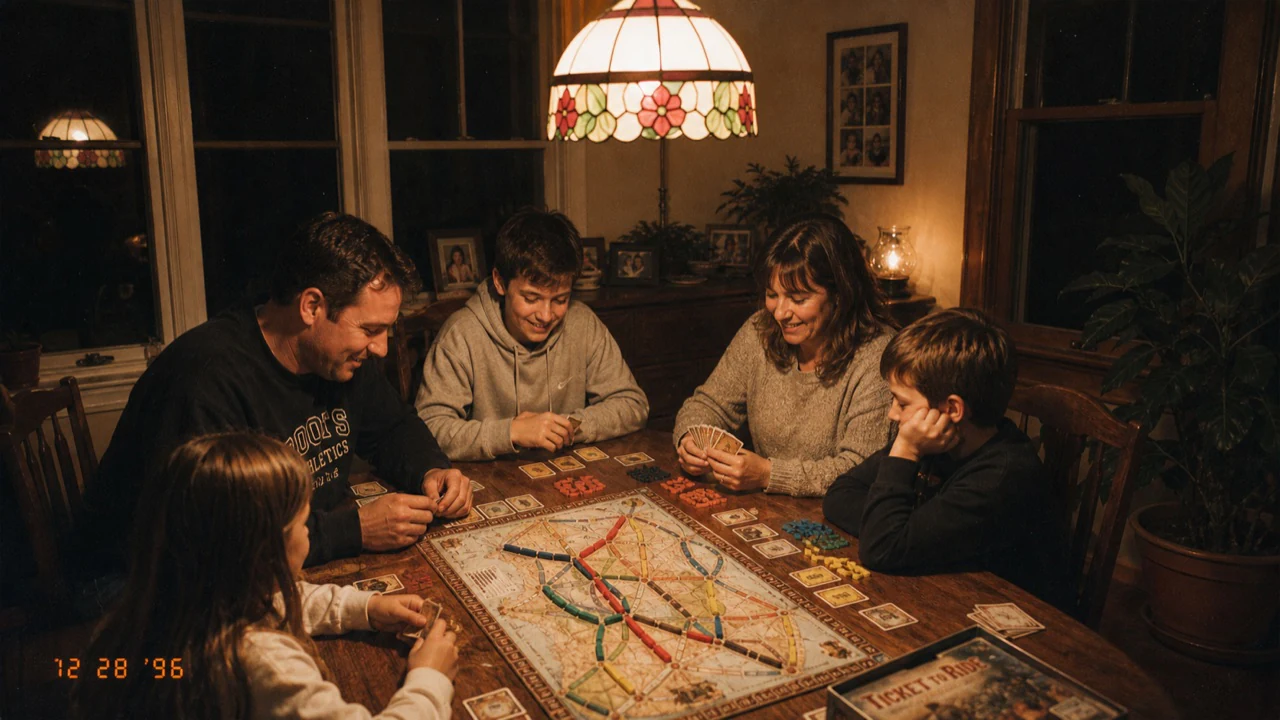
Restaurants, offices, and classrooms. The block activates on arrival and ends on departure.

When everyone should be equally offline. No app-picking, no exceptions.
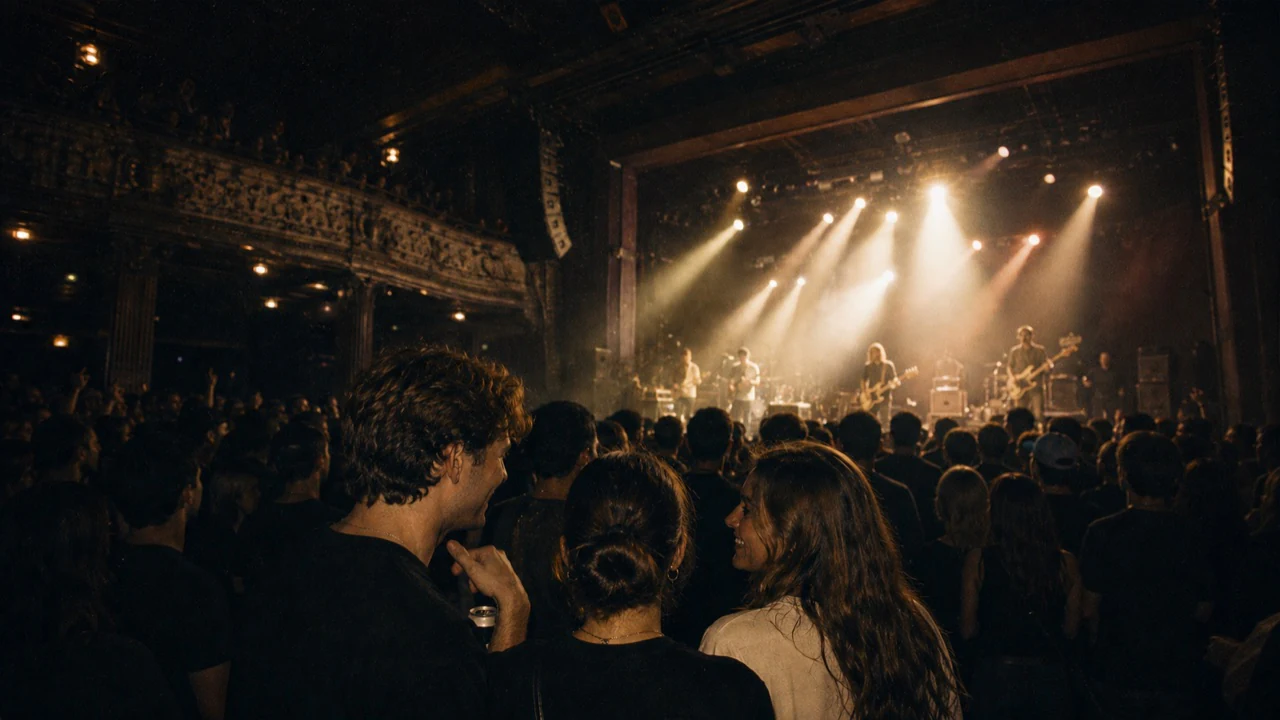
Groups where people avoid different apps. Everyone chooses their own temptations to block.
Privacy
Together sessions live in the invite link itself. enough. has no server that stores your session details, your participant list, or your blocking choices. Nobody outside your group knows what you blocked or whether you showed up.
Good to know
No. The host sets the terms but has no visibility into your specific app selection or your usage.
The invite link opens an App Clip that shows the session details and helps you download enough. Once you install the app, the invite picks up right where it left off.
The block activates when you enter the area, as long as the session window is still open. If you never arrive, the block never starts.
Yes. As an attendee you can forward the same link to anyone else you want to bring in.
Blocking stops automatically at the end of the scheduled window. For a location session, leaving the area early ends your block at that point.

Download enough. and start a Together session so everyone in the room can put their phones down at the same time.