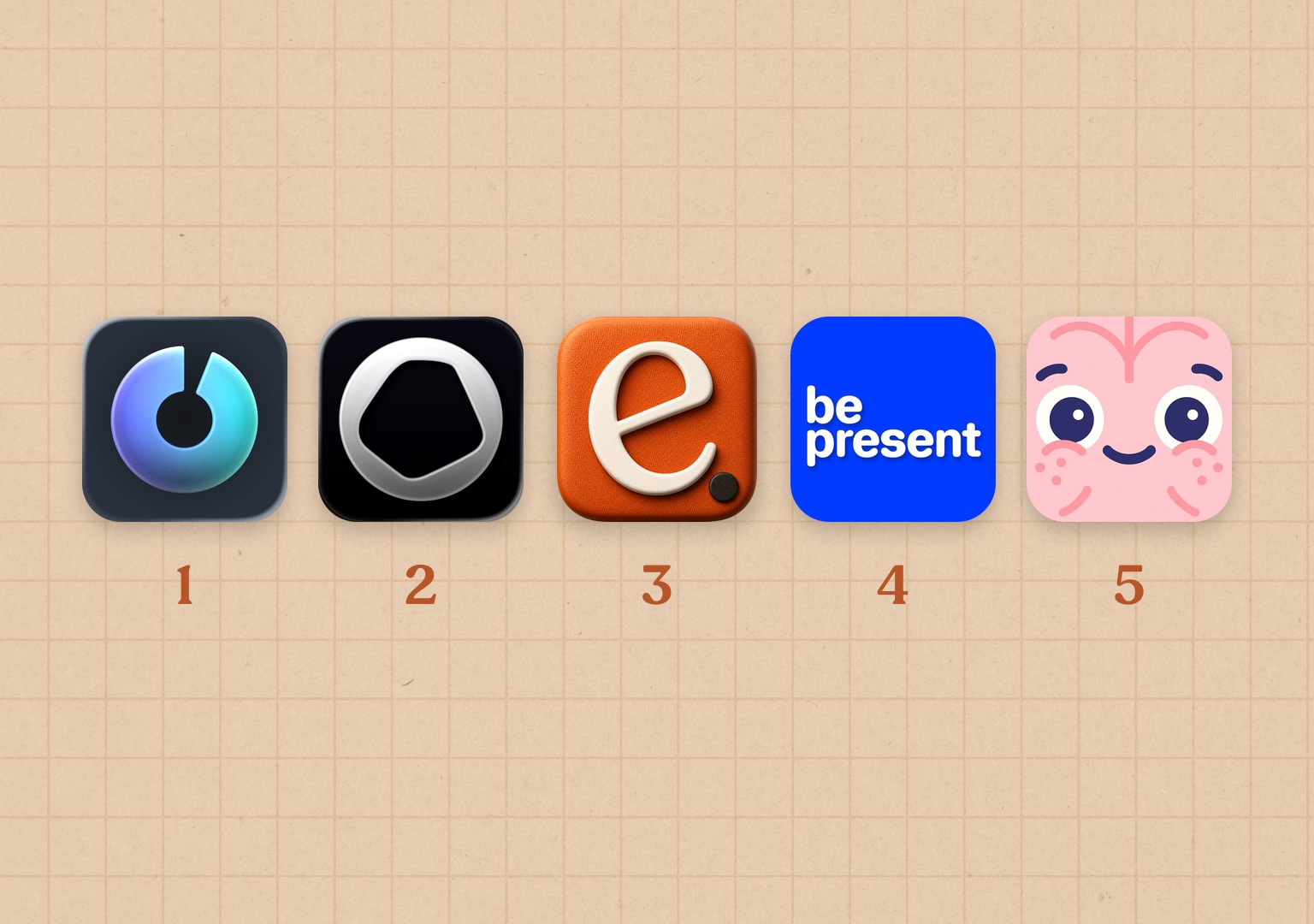
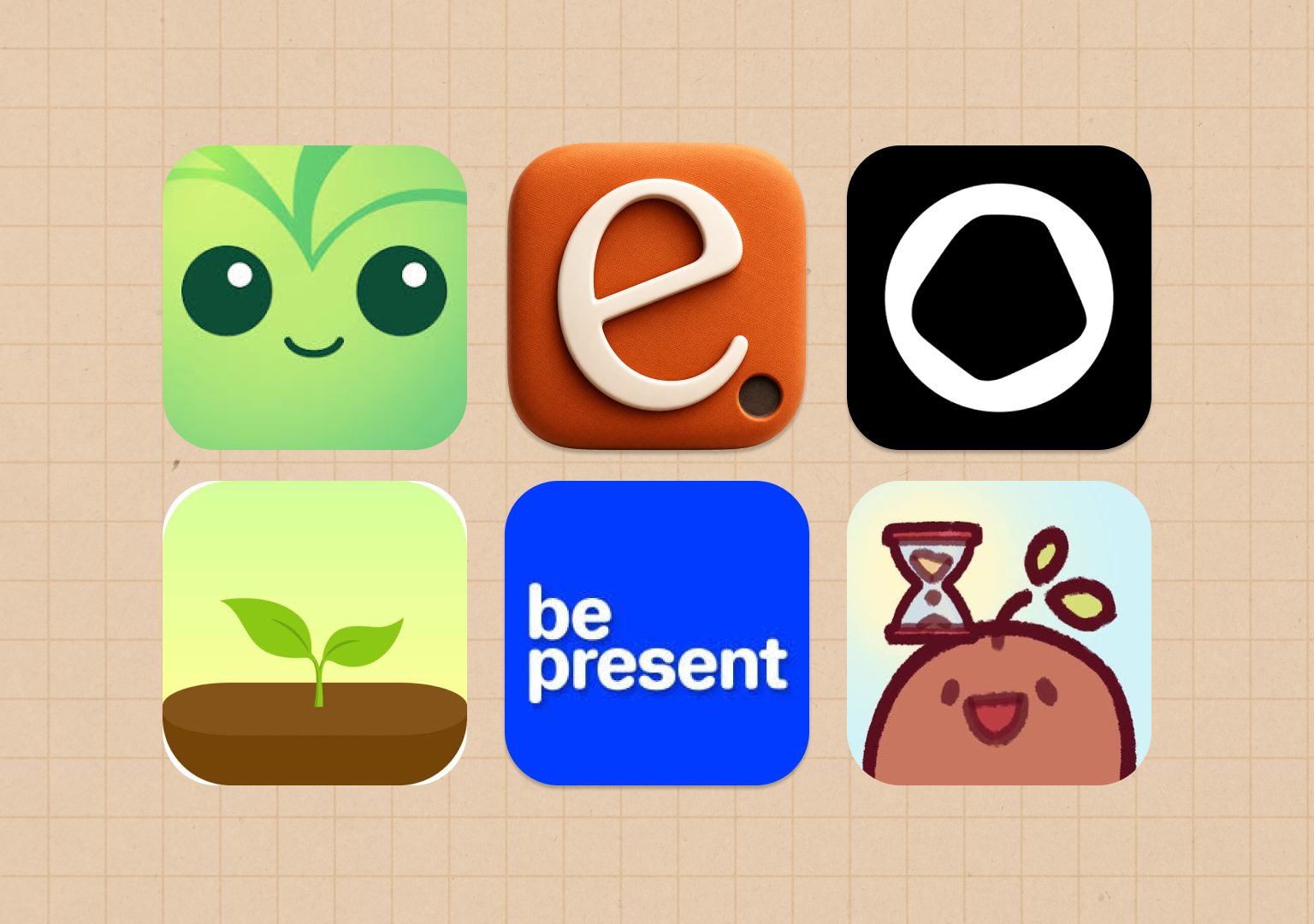
There is no single best screen time app for iPhone, and any list that crowns one winner is guessing at your problem. The right pick depends on why your phone keeps winning. Maybe you lose whole afternoons to scrolling. Maybe you check Instagram every time you sit down on the couch. Maybe you need the process to feel like a game to stay consistent, or maybe your phone habits only show up at work or after 10pm.
So instead of ranking seven apps from best to worst, this guide matches each one to the problem it solves, with one disclosure up front: we make one of them, enough., and we'll say plainly where the others fit better.
Start with the free baseline everyone already has, then decide whether your problem needs more than it.
Apple Screen Time: the baseline
Every iPhone ships with Screen Time, and for a lot of people it's enough to start. You can set App Limits, schedule Downtime, and see where your hours go, all free and built in. If you've never actually configured it, do that before installing anything else, because you might not need to.
Its biggest weakness is the escape hatch. When a limit appears, a single tap lets you ignore it, and self-set limits quietly stop mattering. If that button doesn't tempt you, you're done and it cost nothing. If it does, that's the specific gap the apps below are trying to close. We wrote a full walkthrough of blocking apps on a schedule that starts with Screen Time and shows where it leaks.
enough.: for habits tied to a place or time
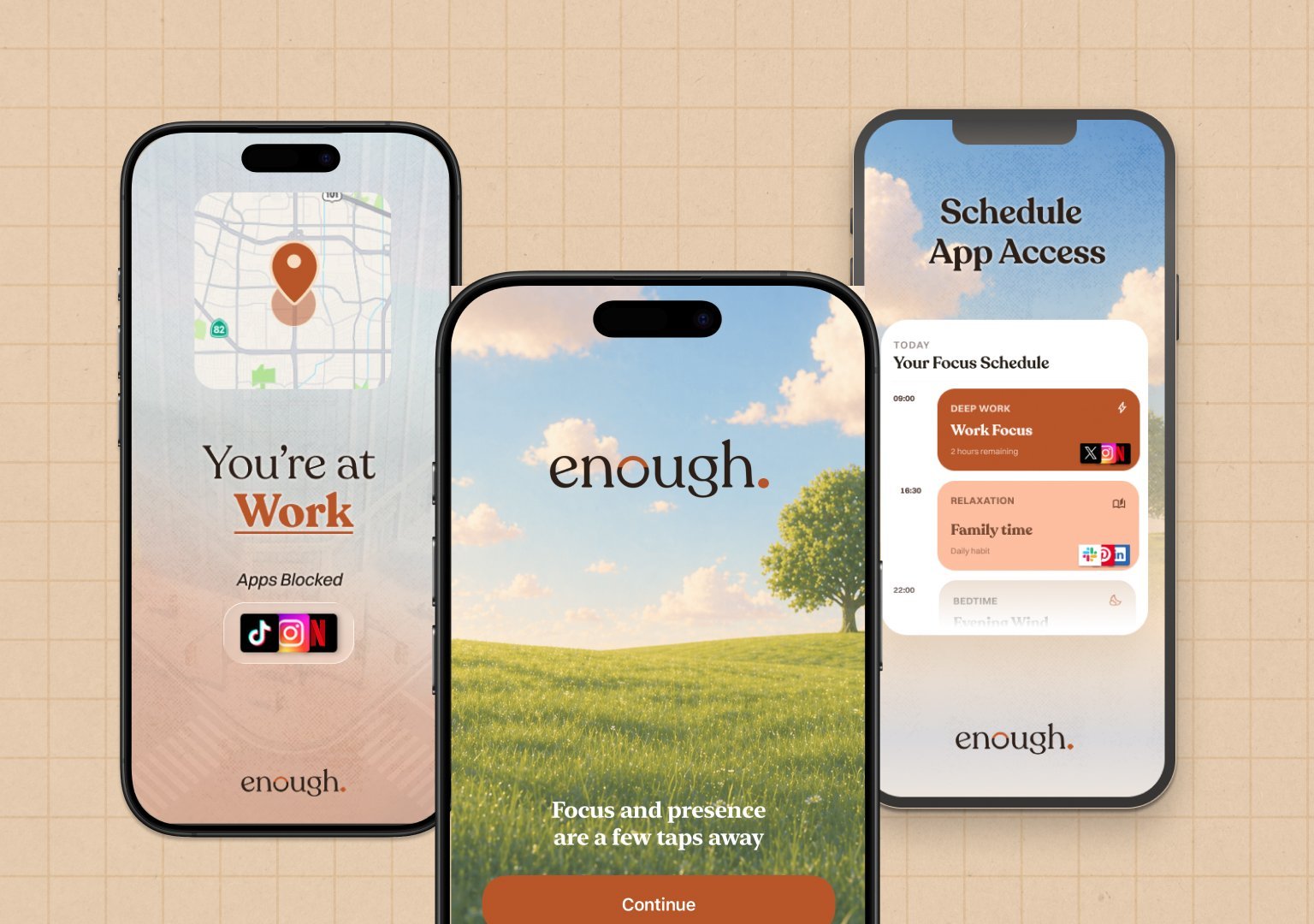
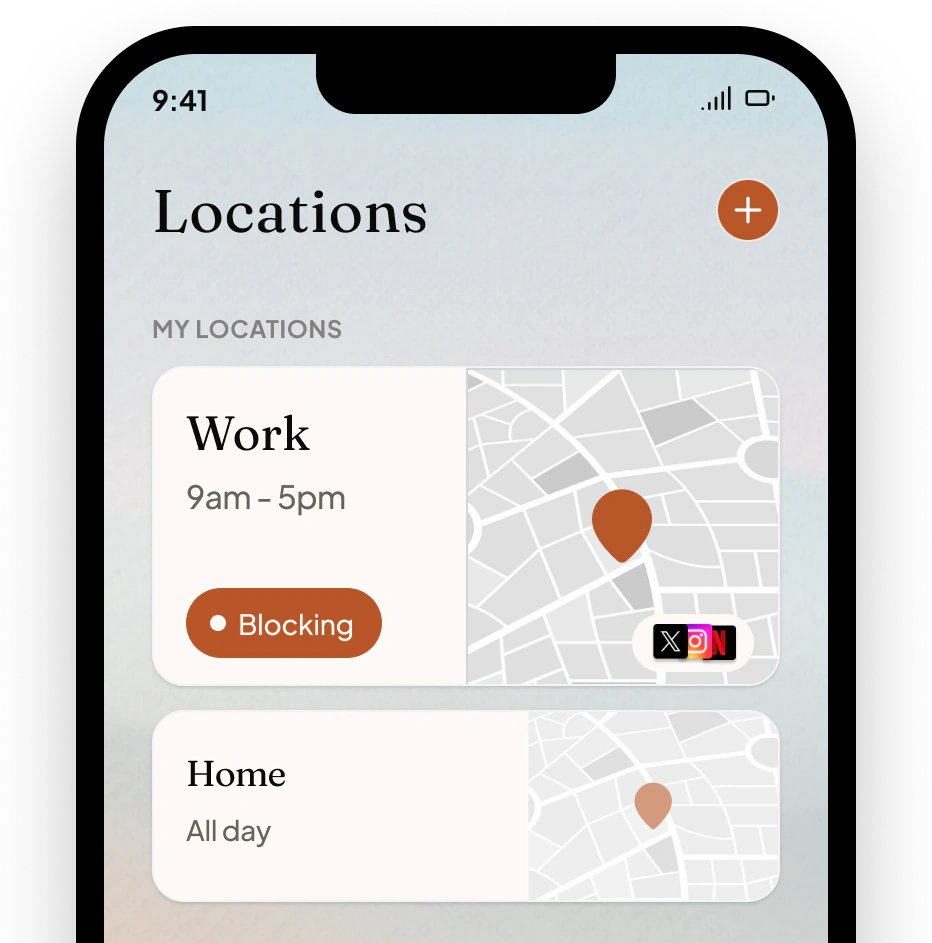
This one's ours. enough. starts from the idea that most of the fight is already lost by the moment you're deciding whether to open the app, so it removes the moment. You decide once, on a clear day, and your phone follows: apps hidden at the places you set (work, home, the gym, the bedroom) and during the schedules you choose, plus a driving mode that blocks apps when you drive. Getting into a blocked app takes a deliberate press-and-hold from a small daily allowance, not a free tap whenever temptation strikes.
Its honest limits: iPhone only, and it's the newer, smaller option here without years of reviews behind it. It's $49.99 a year for the Complete plan, with a free plan covering one place and one schedule.
Best for: people whose phone habits show up somewhere specific (the office, the commute, the dinner table, after 11pm) and who want those decisions handled by one already made. Different place, different phone.
Opal: for protecting blocks of time
If your problem is unprotected hours, Opal is the most polished tool for defending them. You schedule focus sessions and your chosen apps disappear for the duration, with harder difficulty levels that remove the escape hatch entirely, so giving in halfway through stops being one tap away. It's the premium option at $99.99 a year, and it covers iPhone, Android, and Mac. We went deep on whether it earns that price in Is Opal worth it?
Best for: people whose days have real structure and who'll pay for the nicest version of protecting it.
BePresent: for people who run on motivation
BePresent turns reducing screen time into a game: points, streaks, weekly leaderboards, and challenges with friends and family, plus a Beast Mode lock for when the game needs teeth. It holds a 4.8 rating across tens of thousands of reviews on the App Store, with a free tier to start and a paid plan at $79.99 a year.
Best for: people who stay motivated by competition, streaks, and accountability, especially if you want friends and family in on it.
Focus Friend: for making focus feel gentle
Focus Friend, made by Hank Green, is the cutest thing on this list. You set a focus timer and a small animated bean starts knitting. Stay off your distracting apps and it finishes its socks; wander off mid-session and it drops its stitches and gets sad. Sessions can lock distracting apps while the timer runs, and the core app is free, with optional paid decorations for the bean's room.
There's no scheduling or automation here, just a timer with a character you don't want to let down.
Best for: people who respond better to a small creature's disappointment than to a hard lock, and anyone who wants to try the game approach without spending anything.
Forest: for rewarding focus
Forest has been around for years and is still one of the simplest ways to make focus feel rewarding. Start a session and you plant a virtual tree. Stay focused and it grows; leave early to check social media and it dies. That small stake works because you're protecting something you started rather than resisting temptation empty-handed, and over months your record of focused work becomes a whole forest.
The dead tree cuts both ways, though. For some people, one slip kills the tree, the streak, and the mood, and the guilt becomes its own reason to quit. If that sounds familiar, we compared Forest alternatives for people who hate losing streaks.
Best for: people who like Pomodoro-length sessions and a small, visible reward for staying off their phone.
Journey: for earning your screen time
Journey flips the usual deal: instead of limiting your scrolling, it makes you earn it. Each morning you get a set of real-world quests (go to the gym, read, get outside), and completing them earns gold you spend to unlock your time-wasting apps, which otherwise stay locked. A little mascot thrives or wilts depending on how you're doing. It's iPhone only and needs a paid subscription.
Best for: people who like video games and want scrolling to cost something, and who'd rather trade a workout for Instagram than set another limit they'll ignore.
Choosing the best screen time app for your iPhone
Don't install all seven. Match the app to the problem, because nobody struggles with screen time in quite the same way. Start with Apple's free tools and see whether the ignore button tempts you. And if you feel you need a better solution, well we hope you give enough. a try.
If you're down to a paid shortlist, we put the biggest options side by side in Opal vs BePresent vs enough., with pricing, features, and who each one suits.
Whichever you choose, the pattern that works is the same: make the decision ahead of time, so the hardest moments are handled by a calmer version of you.