
A good study focus app has to solve a contradiction: block the apps that pull you out of the work, but leave the ones that help you do it. You want Instagram gone and your study playlist playing. You want notifications silenced and your notes app open. The best focus apps for studying draw that line cleanly, so the session survives the first boring paragraph.
Here are the ones worth installing, sorted by how you actually study, with the disclosure that we make enough.
Forest (the study-session classic)
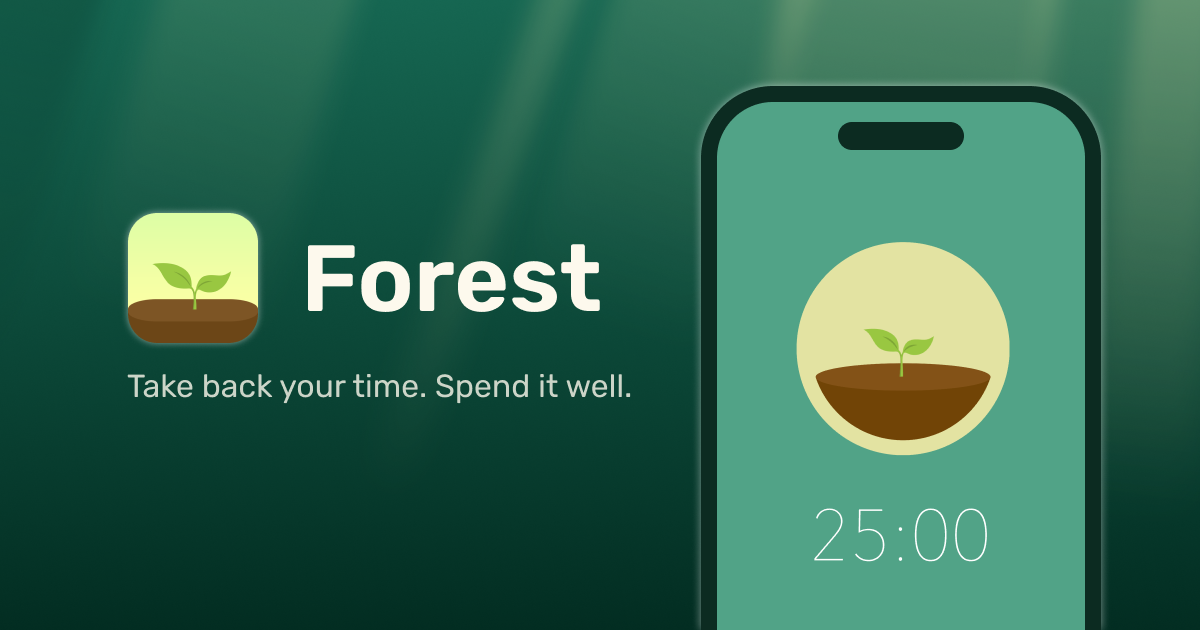
For a single sitting at a desk, Forest is hard to beat and cheap: $3.99 once on iPhone. You plant a virtual tree, it grows while you stay off your phone, and dies if you leave. That's a clean fit for study sessions with a clear start and end, a two-hour block of revision earns you a tree, and the small stakes keep your hand off the phone. It plants real trees too, which students tend to like. The one caveat: if a broken streak makes you spiral, look at gentler options.
enough. (for the phone you can't trust in the room)
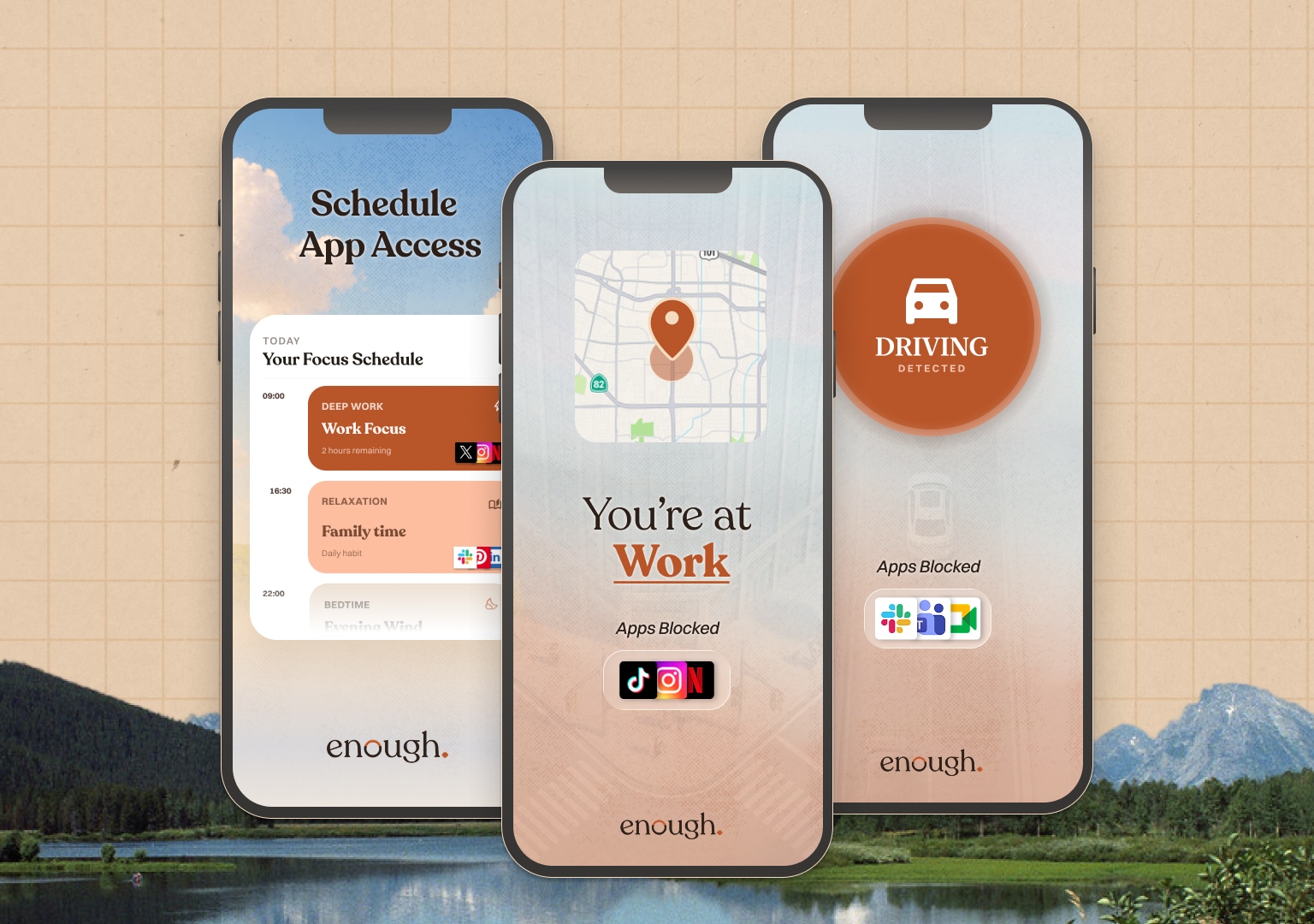
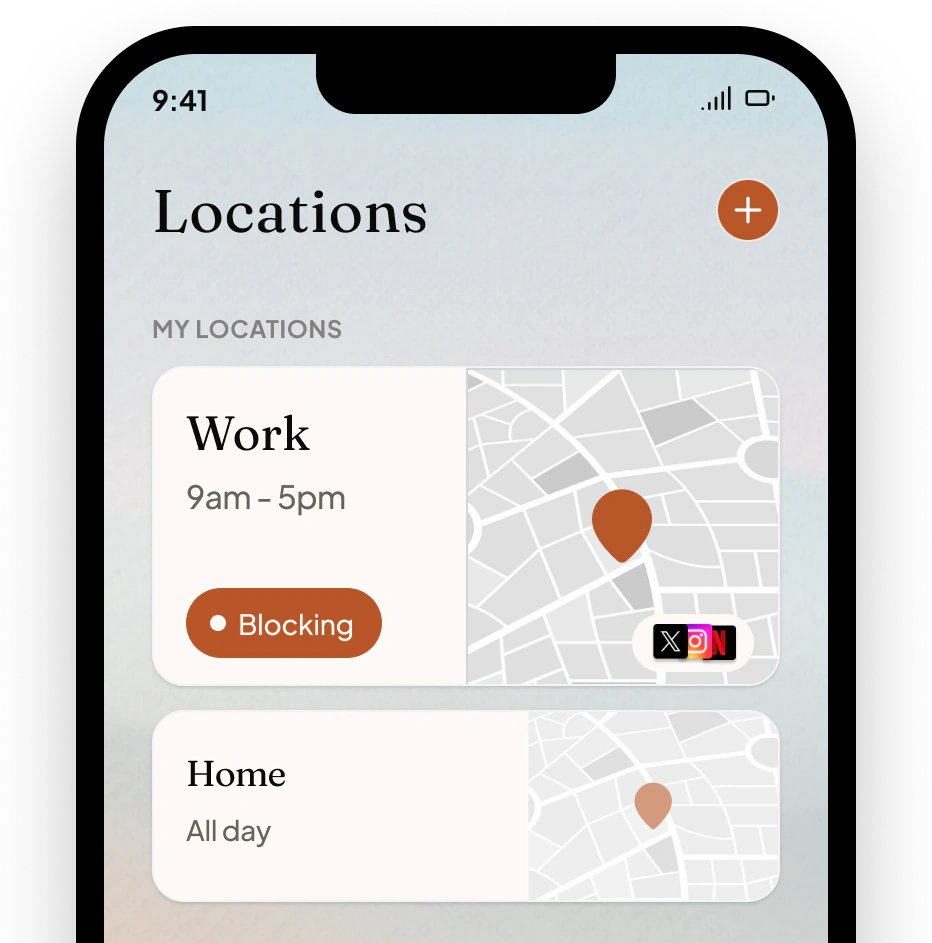
This is ours. Forest asks you not to leave; enough. makes leaving pointless by hiding the distracting apps themselves during your study hours, or whenever you're at the library or your desk. Set a Study schedule once and the feeds are gone for that window; your music and notes apps stay because you never blocked them. Getting into a blocked app takes a deliberate press-and-hold, which is usually enough to remember you're meant to be revising.
Fair trade: iPhone only, $49.99 a year for Complete, free plan covers one schedule, which is plenty for exam season. Best if the problem is that a focus timer isn't enough and you need the apps actually gone.
Opal (for long, serious blocks)
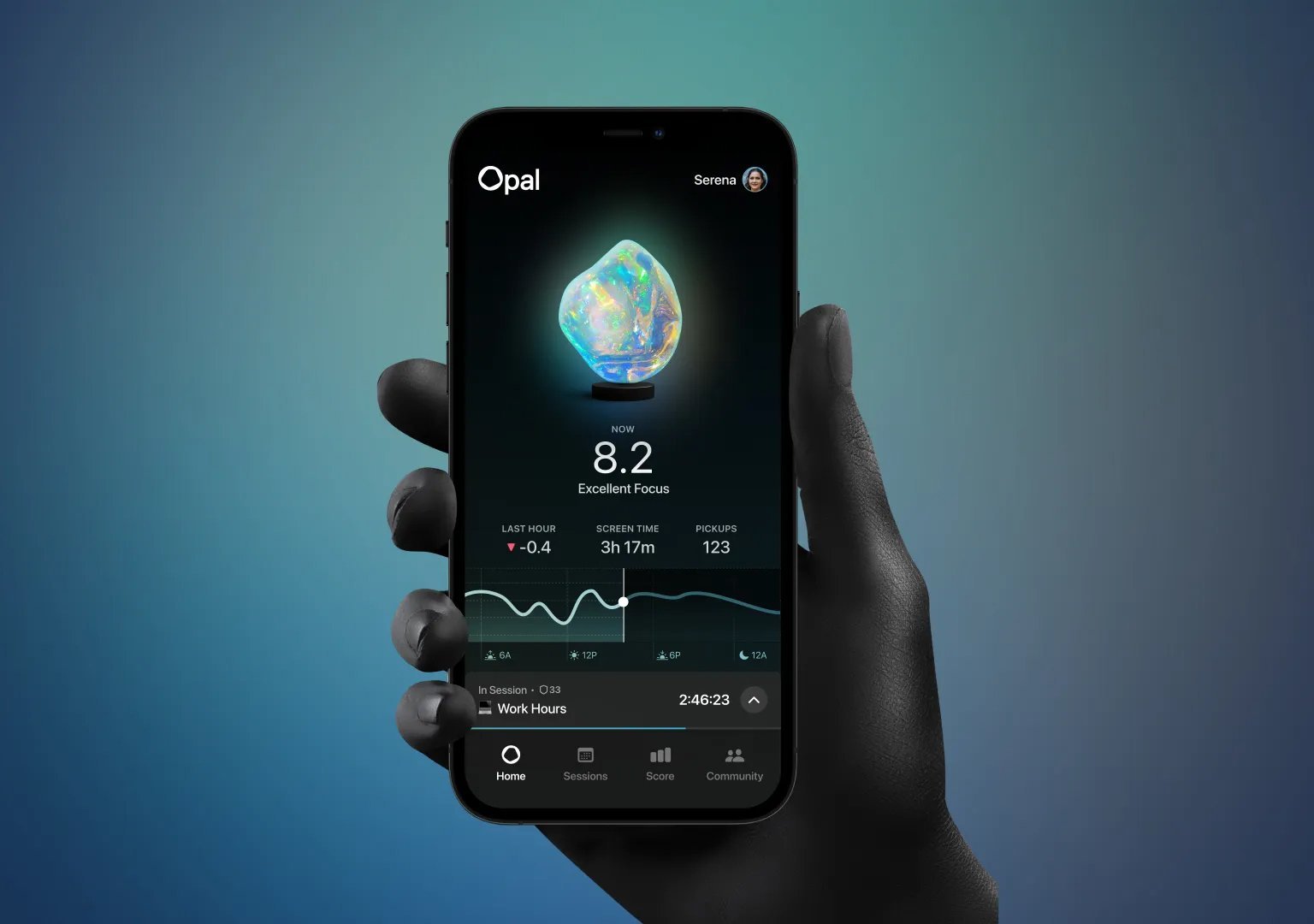
Opal is built for defending long stretches. Scheduled sessions hide chosen apps, and Deep Focus removes the escape hatch so a hard afternoon of studying can't be negotiated away. It runs on Mac too, which matters if your distractions live on the laptop you're writing the essay on. It's the premium option at $99.99 a year.
Apple Screen Time (free, built in)
Before paying for anything, try a Downtime schedule over your study hours with your notes and music apps set to Always Allowed. It's free and built in. The catch is the ignore button, which a stressed student at hour three will absolutely press, but if you can leave it alone, it costs nothing.
Which to pick
Studying in defined sessions at a desk? Forest.
Can't trust the phone in the room at all? enough. hides the apps for the whole study window.
Long blocks, essays on a laptop? Opal, for the Mac coverage and the no-unblock mode.
Want to try free first? Apple's Downtime, if the ignore button doesn't tempt you.
The best focus app for studying is the one that removes your specific distraction while protecting your specific tools. Block the feed, keep the playlist, and give the boring first paragraph a chance to become the interesting third one.