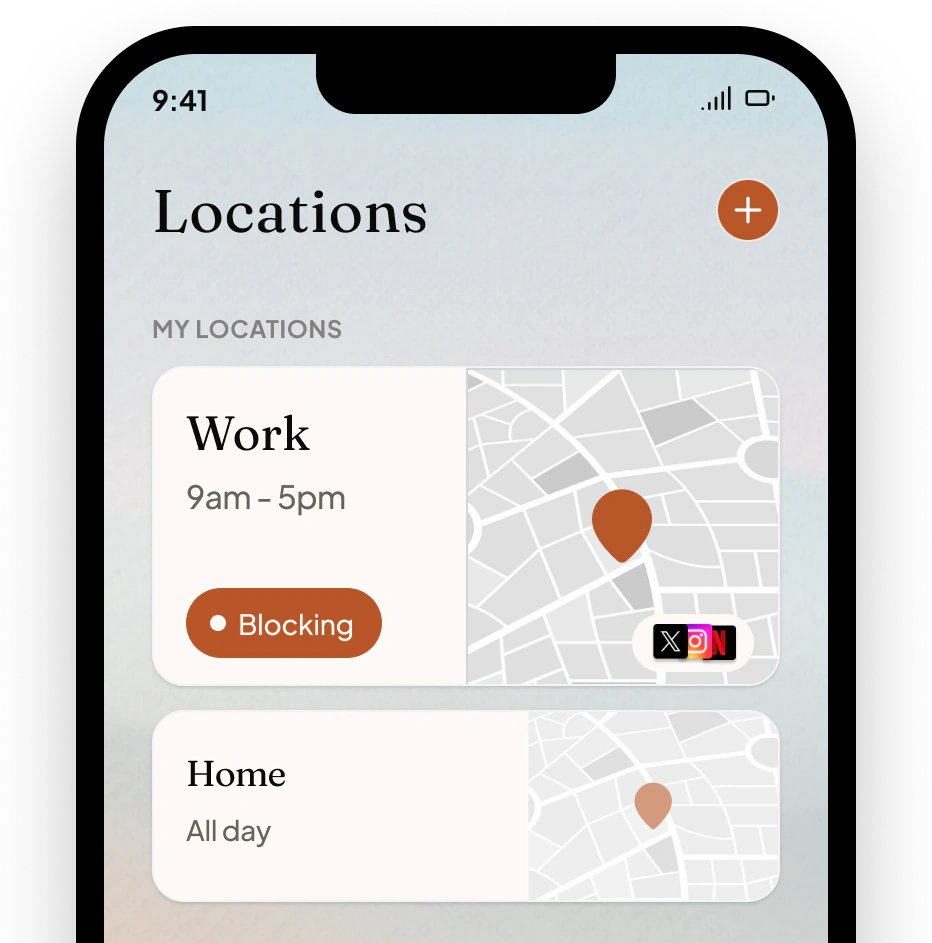
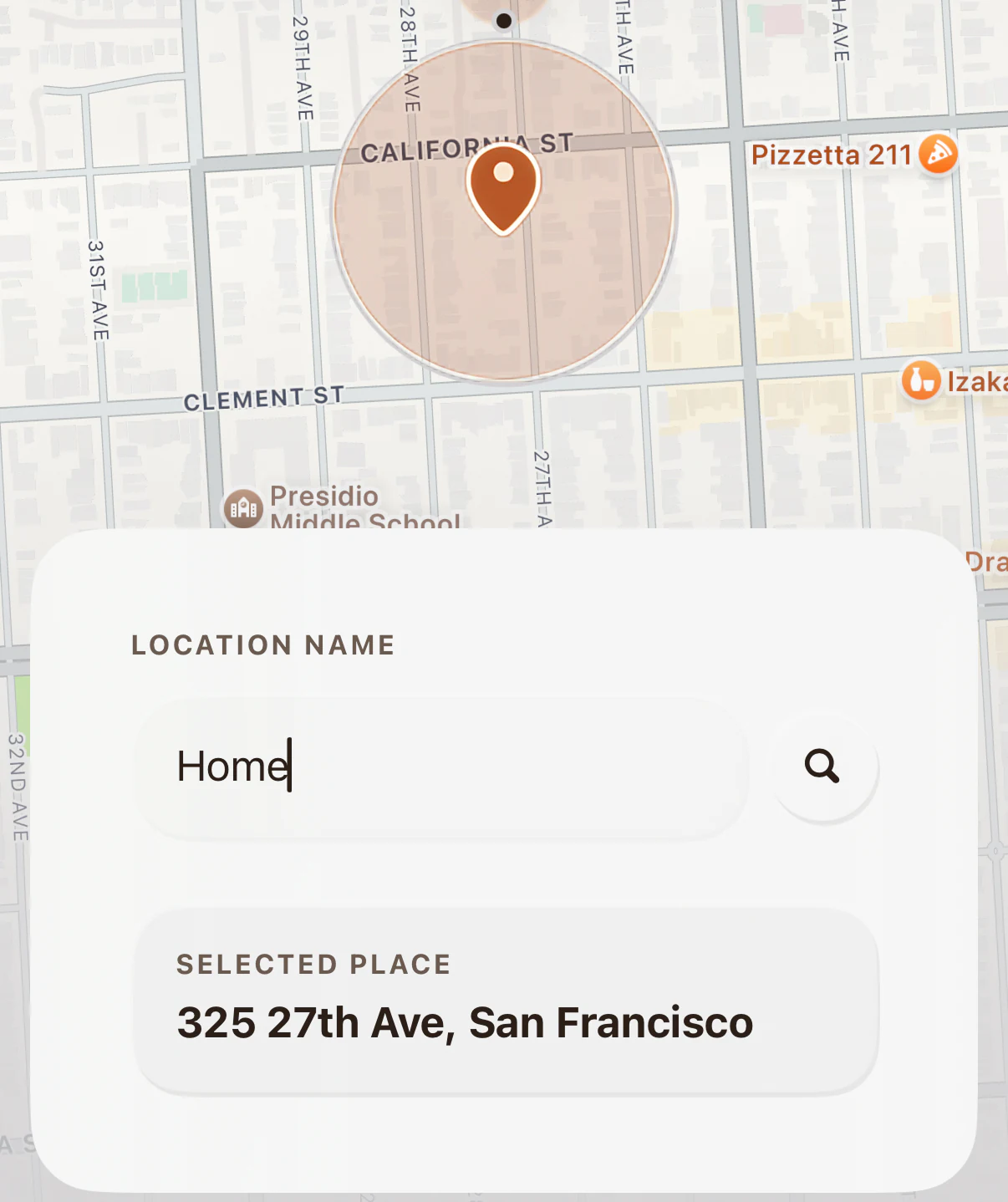
Location Blocking
Pick the places that matter: work, home, the gym, church. The apps you choose block when you arrive and come back when you leave.
Features
Every feature here is a step in our 7-day program. You decide which apps belong where: by place, by time, by whether you're driving. Set it up once with a clear head, and enough. holds the line on the days you'd rather not think about it.
HOW IT WORKS
YOUR DAY, WITHOUT DISTRACTION
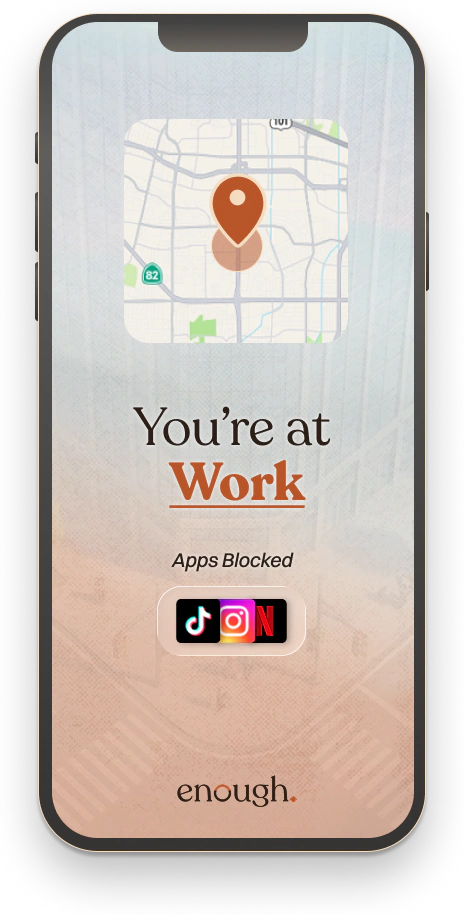
Pick the places that matter: work, home, the gym, church. The apps you choose block when you arrive and come back when you leave.
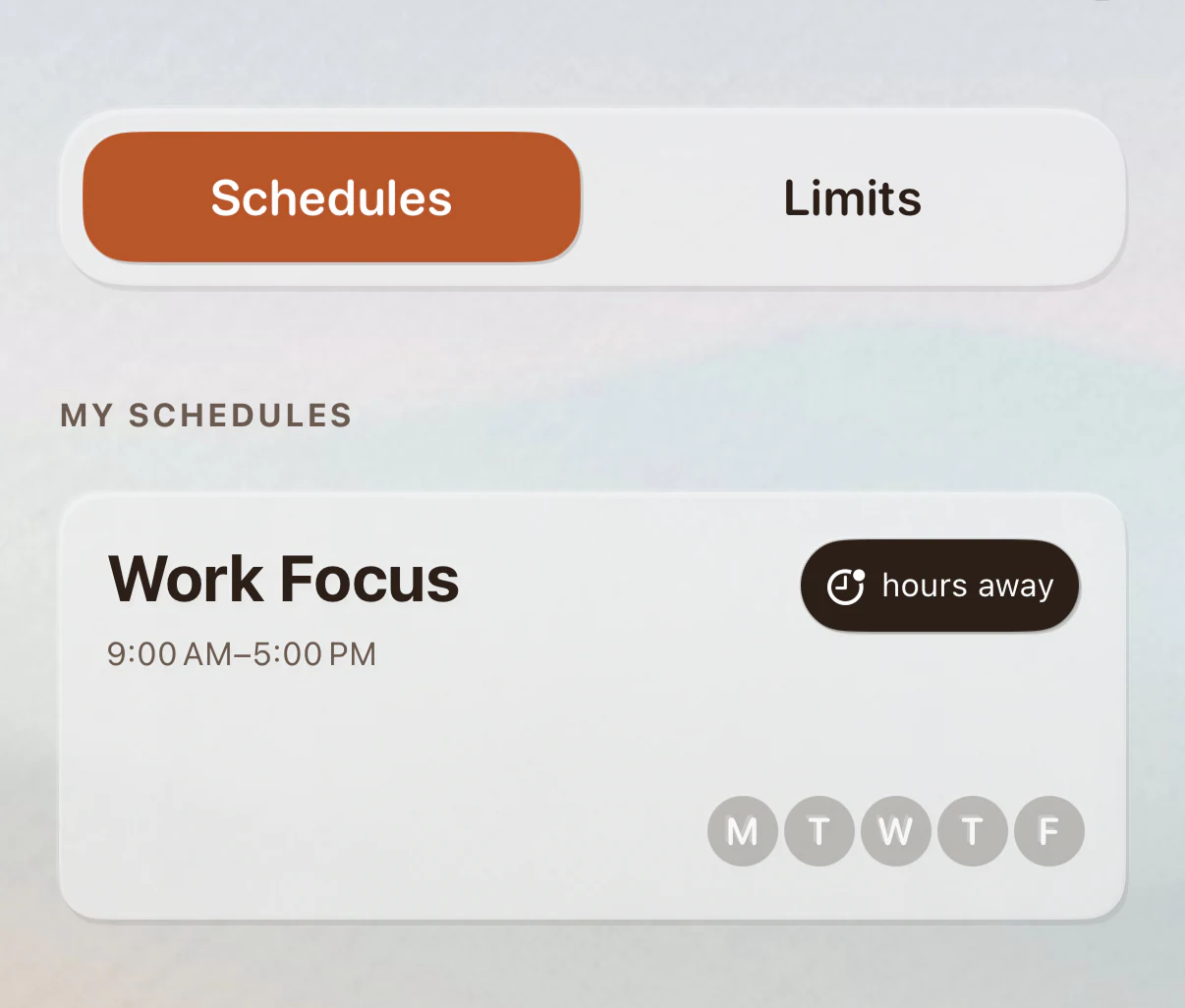
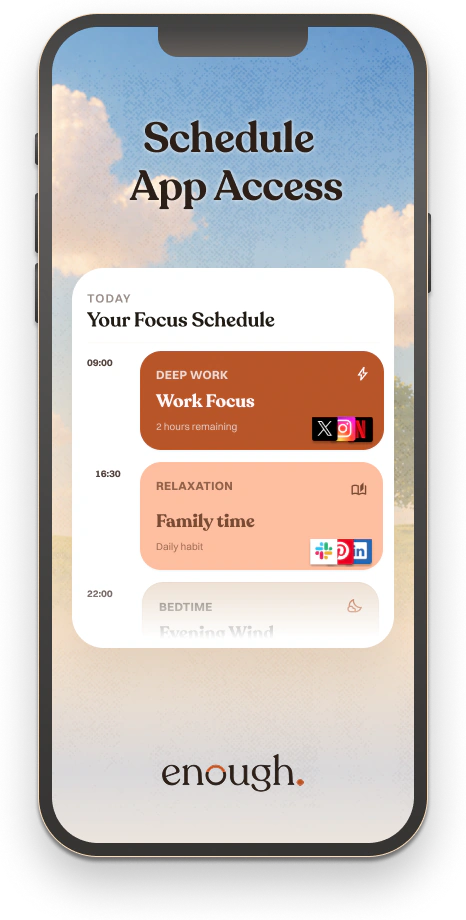
Pick the hours you want your phone calm. Mornings, work hours, bedtime. Set it once and it runs every week.
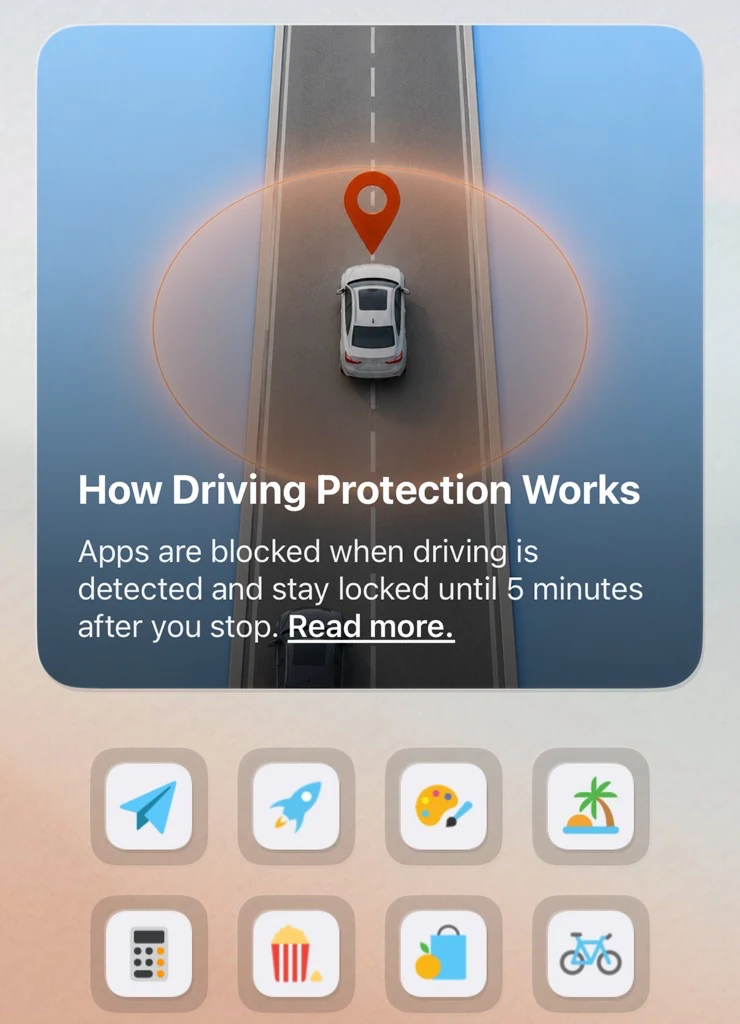
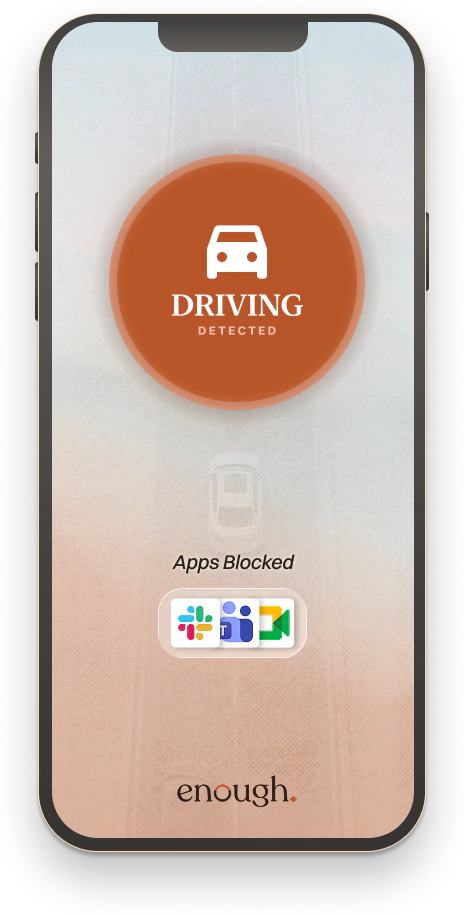
Apps block automatically the second you start driving. No setup, no taps. If you're a passenger, one tap turns it off.
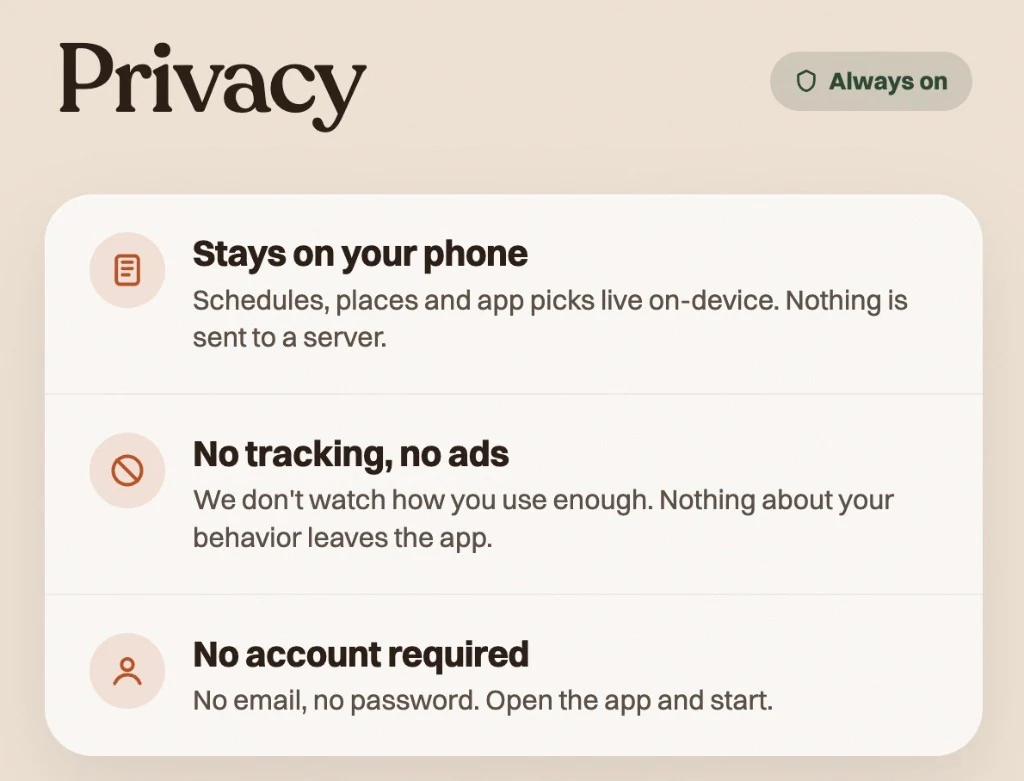
Everything runs on your phone. Your places, your routines, and your usage stay there. Nothing reaches our servers, nothing is sold, nothing is shared.
YOUR RULES
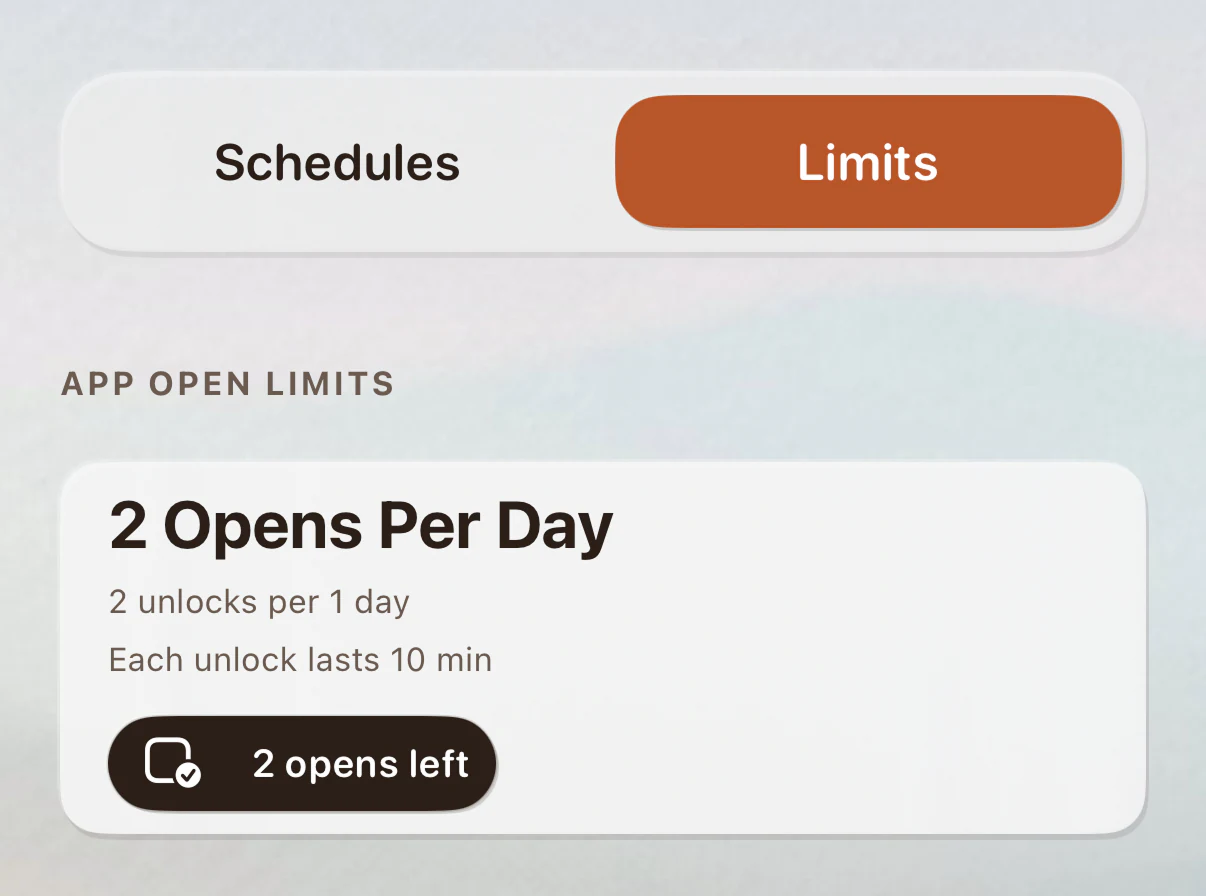
Set a daily cap on time spent or number of opens. Hit the limit and the app is done for the day.
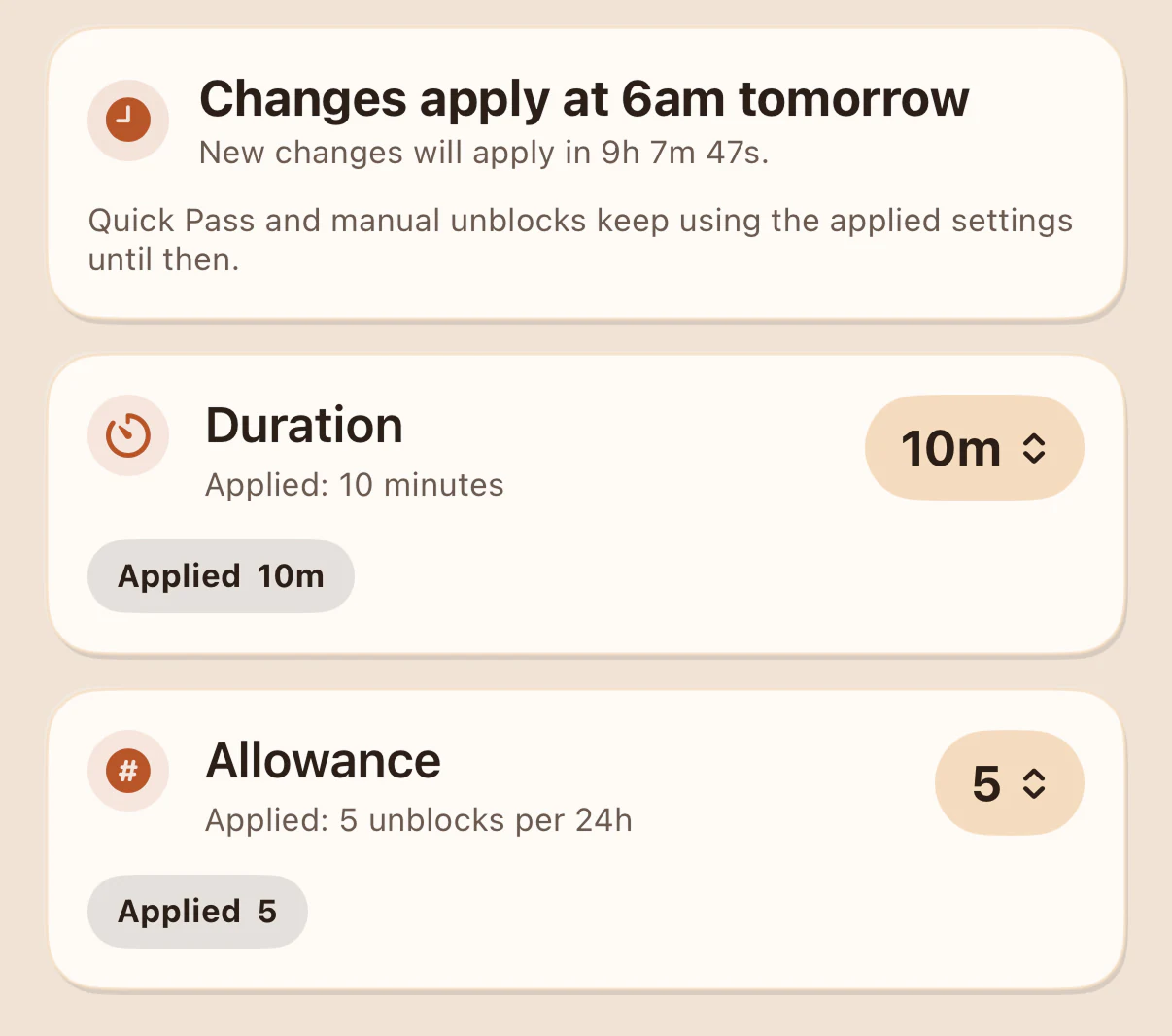
Choose how firm your setup is: Easy, Balanced, Strict, or your own mix. You pick how long an unblock takes and how many you get in a day.
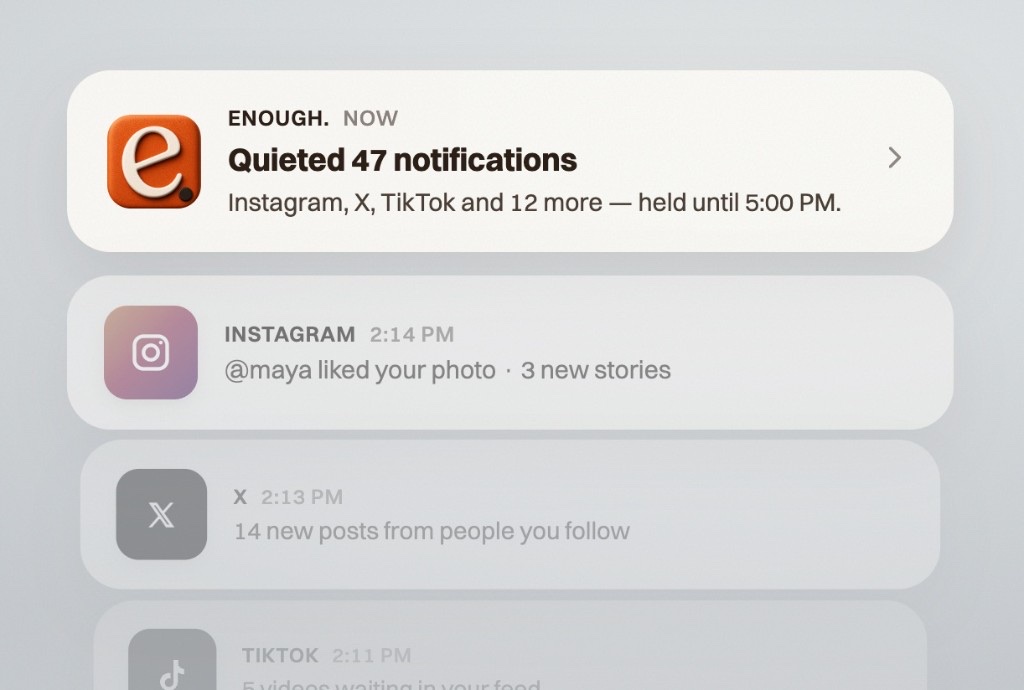
When an app is blocked, its notifications are blocked too. No buzzes, no banners, no preview of what you're missing. The moment the block ends, your notifications come right back.
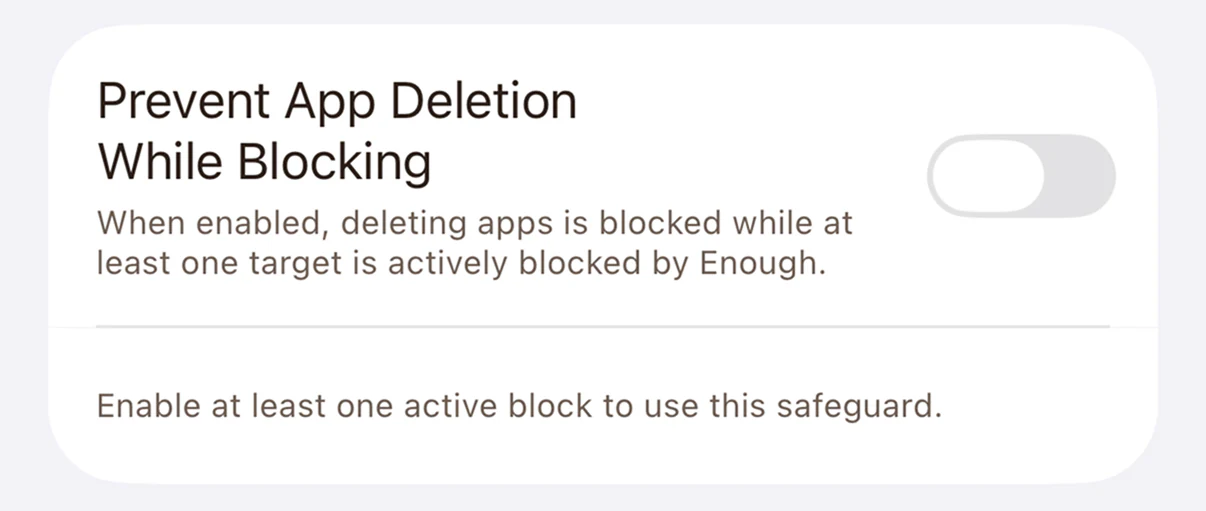
Part of Hard Block, the strongest setting. While a block you set is active, enough. can't be deleted and your setup stays put. Built for the people who already know future-you will try to wiggle out.
ON-DEMAND
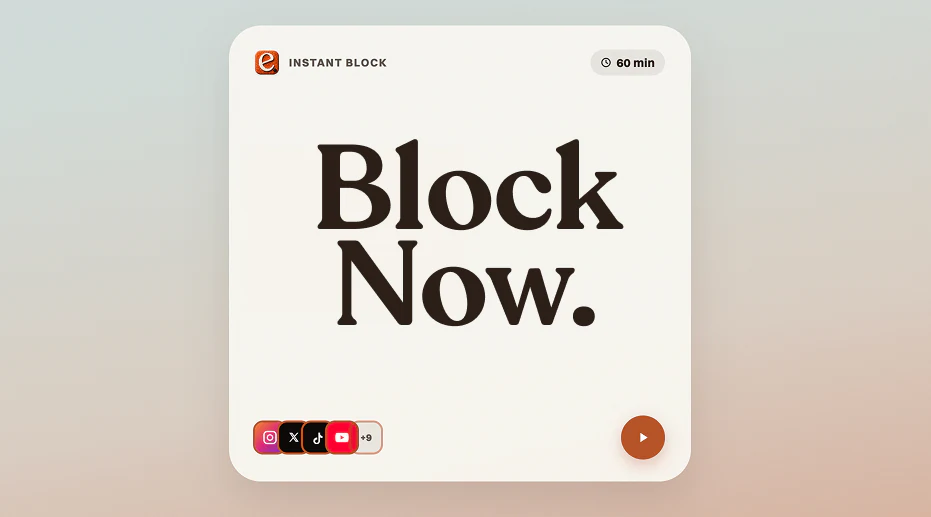
Start a focus block straight from your Home Screen. One tap on the widget kicks off the session you set up, no app to open, no menus to dig through.
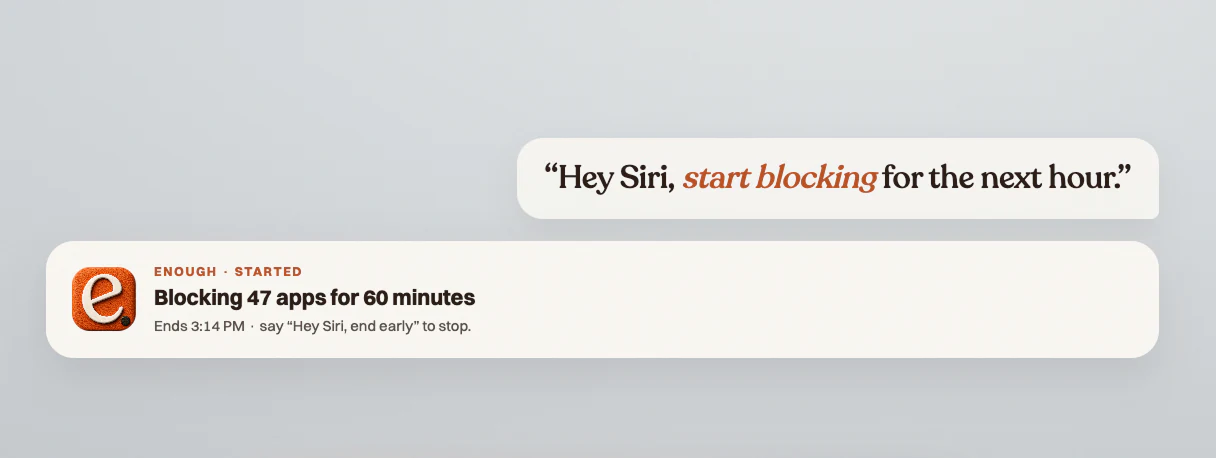
Just say the word. Ask Siri to start a focus block, end the day's distractions, or add an app to the list. Hands stay on the wheel, eyes stay on the road.
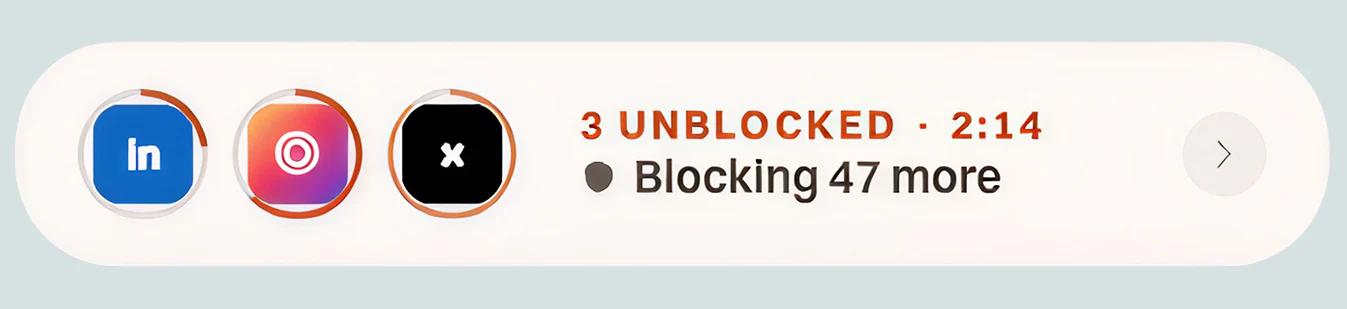
Need a minute? Unlock a blocked app for a few minutes when life actually requires it. It locks itself back up when the break ends. No streaks to break, no shame.
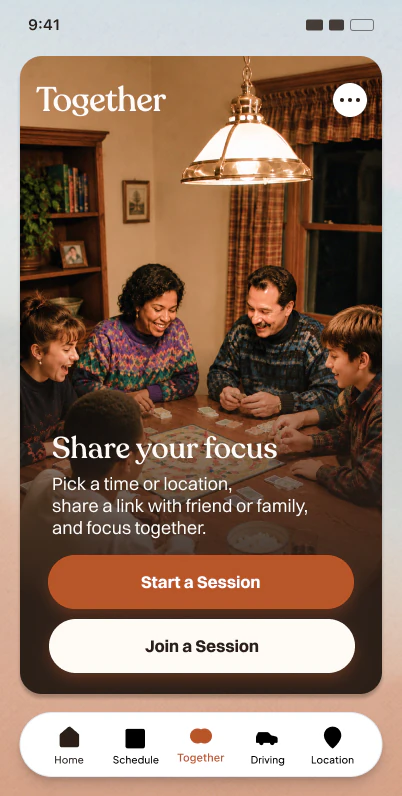
Focus as a group. One person hosts a session, everyone joins with a link or QR code, and the same apps block for the whole table.
See how Together worksFree vs Complete
Most popular: Complete at $4.17/mo billed yearly. 5 months free vs monthly.
| Feature | Free | Complete |
|---|---|---|
| Locations | 1 | Unlimited |
| Schedules | 1 | Unlimited |
| App limits | 1 | Unlimited |
| Strictness levels + Hard Block | Easy only | Included |
The 7-day program is free, no card needed. If you try Complete, we remind you before the trial ends, and cancelling takes two taps.
Loved by early users
“I tried four blockers before this. Within a week my Instagram time dropped 73%. The driving lock alone is worth it.”
“Other apps treat you like a kid. enough just makes the right thing easy. I forget it's running, which is the whole point.”
“The location radius around my office changed my mornings. No willpower required.”
Before you install
No. enough. uses the same low-power location and motion systems that Maps and Find My use. In testing, daily battery cost is under 1%.
Nowhere. Everything runs on your phone. Your places, routines, and usage never reach our servers. We can't see them, we don't store them, we don't sell them.
Use Breaks. Unlock the app for a few minutes when life requires it. The block reapplies itself when the break ends. No shame, no broken streak.
enough. uses Apple's Screen Time and Family Controls frameworks, the same systems Apple uses for parental controls. That's why blocks are real blocks: the app won't open until the block you set ends.
Your subscription works on every iPhone and iPad signed in to the same Apple ID. Family Sharing is on the roadmap so a parent can configure blocks for a child's device.
The 7-day program is free. Download enough., follow the plan, and your phone starts working the way you decided it should.