
The best driving focus app is the one you never have to think about. You start the car, the phone goes quiet on its own, and you get where you're going without a single glance you'll regret. No toggle, no reminder, no promise to yourself that this time you'll leave it in your bag.
That's the bar, because the stakes here aren't your attention span. In 2024, distracted driving killed 3,208 people in the US, and NHTSA's line is hard to forget: reading a text takes your eyes off the road for about five seconds, which at 55 mph is the length of a football field with your eyes shut. So this roundup weighs one thing above features, one honest disclosure first: we make one of these apps, enough., and we'll tell you where Apple's built-in tools are all you need.
Apple Driving Focus (built in, free)
Start here, because it's already on your phone and it works well. Driving Focus silences calls and notifications while you're on the road, can auto-reply to texts, and can turn on automatically when it detects car motion or connects to car Bluetooth.
Set it up in Settings, then Focus, then Driving, and set activation to Automatically. For a lot of people this is the whole solution, and it costs nothing.
Where it stops: Driving Focus quiets your notifications, but it doesn't stop you from picking up the phone and opening TikTok at the light. It hushes the phone's demands on you; it doesn't hold a line against your own habit. If your problem is incoming pings, you're done. If your problem is the reflex to reach for the phone yourself, read on.
enough. (the reflex, not just the pings)
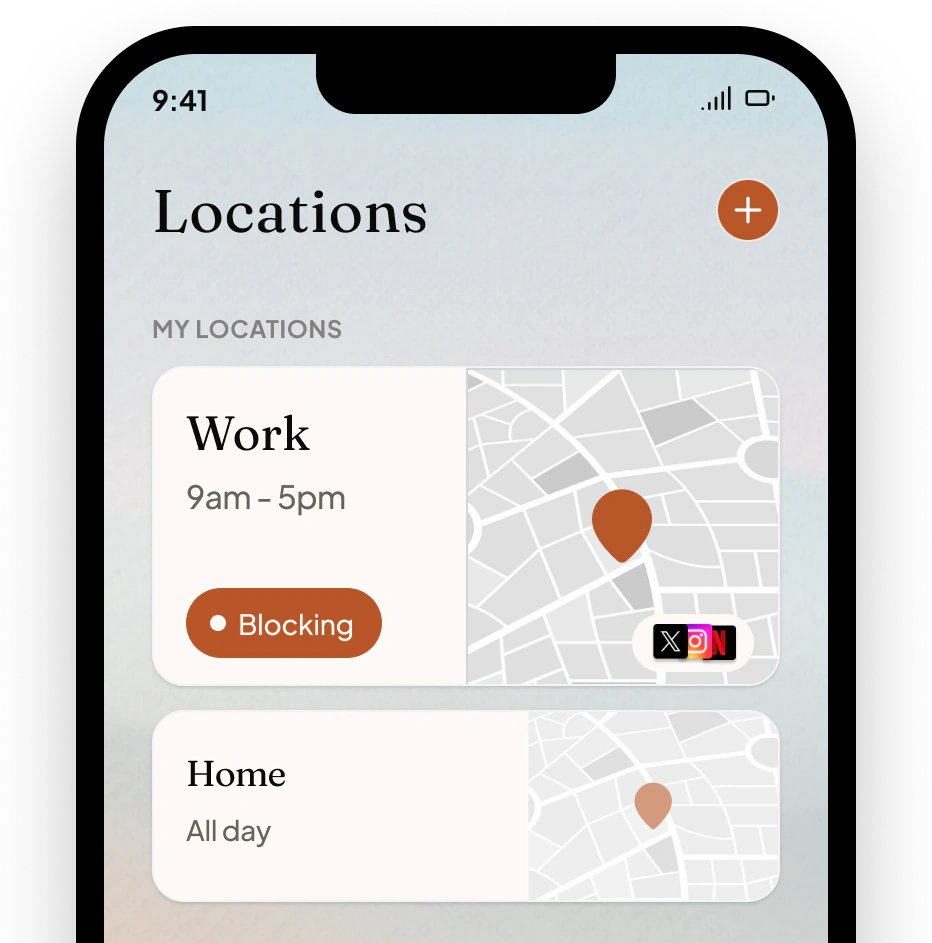
This is ours, so weigh it accordingly. enough. detects when you're driving and hides the distracting apps themselves, not just their notifications. The feed you'd reach for at the red light isn't there to open. It uses motion and location to notice a drive has started, quiets the apps you chose, and includes an "I'm a passenger" bypass for when you're not the one driving.
The honest limits: enough. is iPhone only, and it asks for motion and location permissions to know you're driving, which is a fair trade to name up front. It's part of the Complete plan ($49.99 a year), though driving protection is included rather than a separate purchase. If Apple's free Driving Focus already fixes your road habit, you don't need us. If the pings stopped but your hand didn't, this is the gap we built for. Different place, different phone, and the car is just another place.
Do Not Disturb While Driving, and the honest table
Older iPhones and simpler setups can lean on Do Not Disturb While Driving, the predecessor to Driving Focus. Same idea, fewer options: mute notifications on the road, auto-reply to texts. If you're on current iOS, Driving Focus supersedes it.
So, briefly:
Just want the phone to stop buzzing at you? Apple's Driving Focus, free, done.
Reach for the phone yourself out of habit? You want the apps gone, not just quiet, which is enough.'s driving mode.
Want maps and music to keep working? All of these leave apps you don't select alone; just don't add Maps or your music app to what gets blocked.
The setup that actually holds
Whatever you pick, make it automatic. The single most important setting in any of these apps is the one that turns it on without you, because a focus mode you have to remember to enable is one you'll forget on exactly the drive you shouldn't. Set activation to automatic, take one drive to confirm it triggers, and then stop thinking about it. That's the whole point: the safest phone on the road is the one that handles itself.